Texmorph Logo

Text processing,
fluid as liquid glass.

Clean messy Markdown, resolve LaTeX conflicts, and reformat text instantly. Experience the liquid interface on macOS and iOS.

Download on the App Store
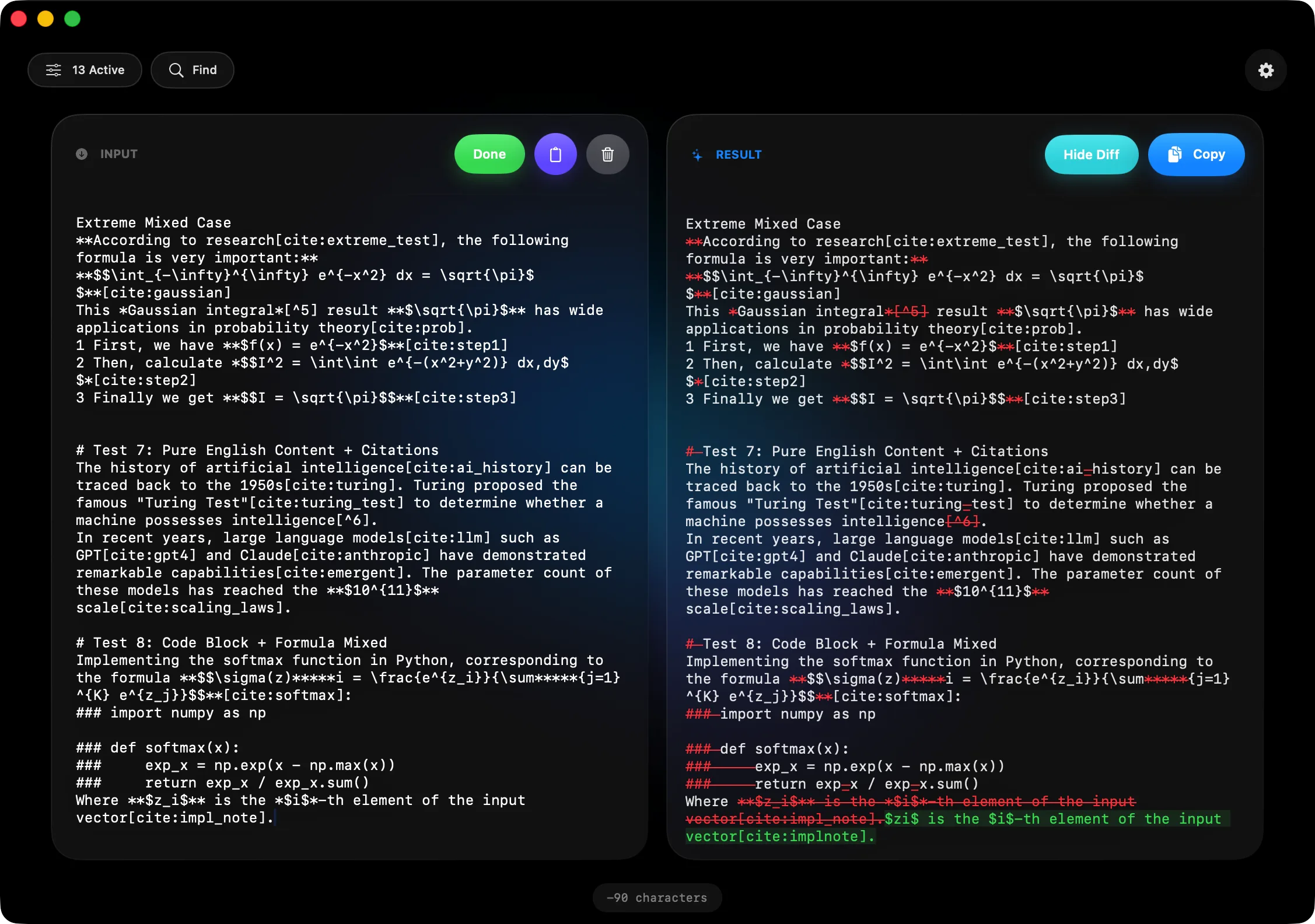
Texmorph Dark Mode Background
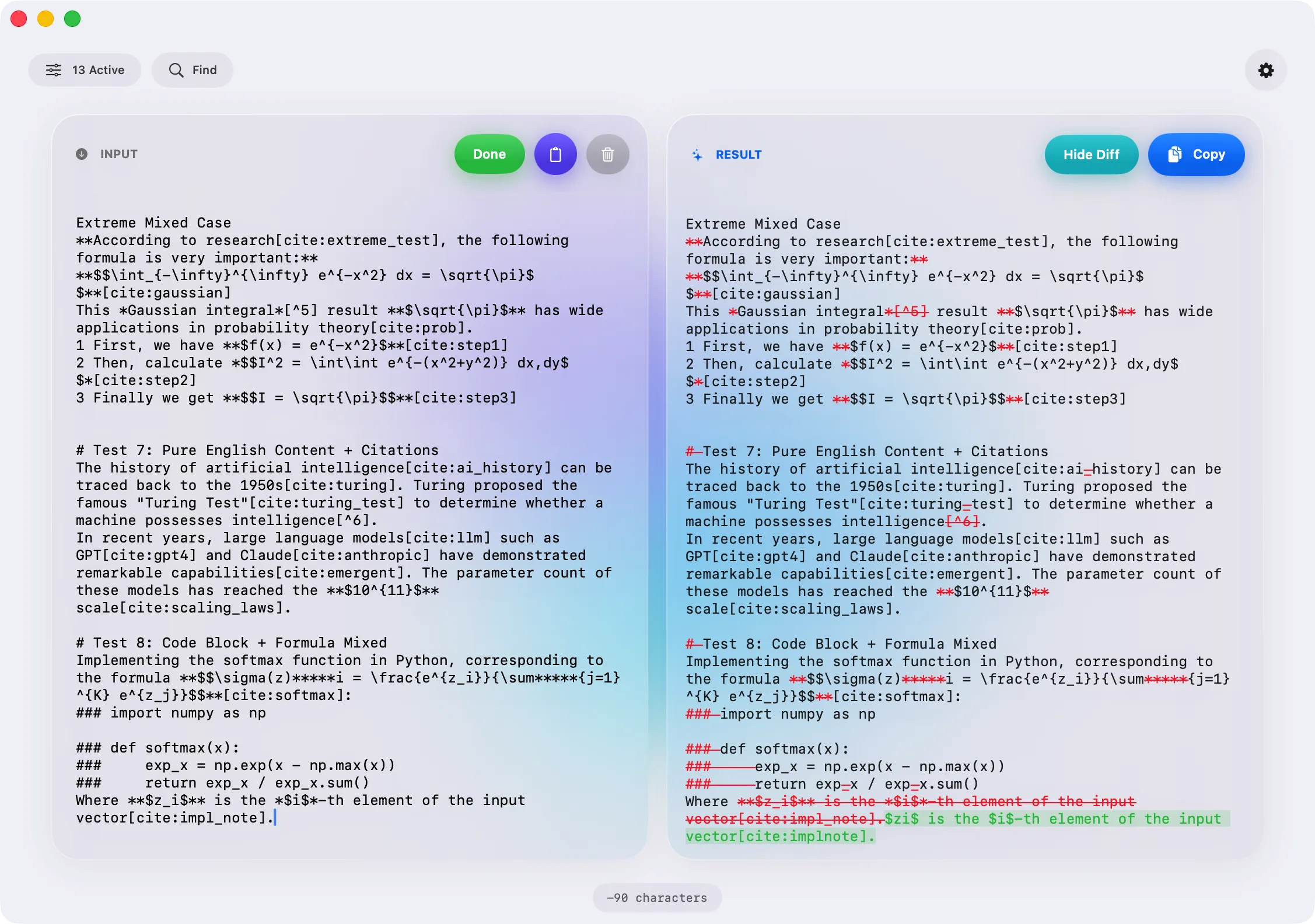
Texmorph Light Mode Foreground
Main Workspace
The Workbench

Unified
Transformation.

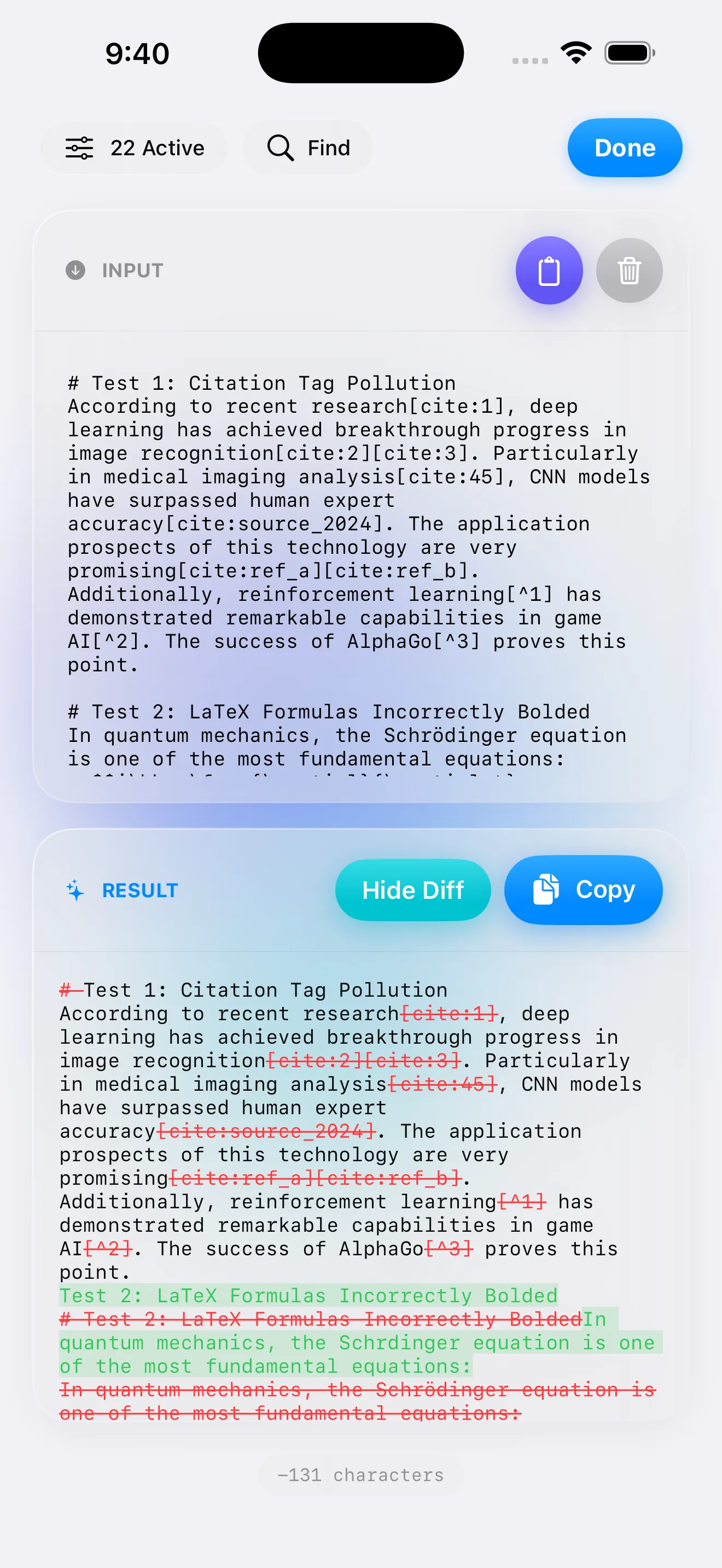
The main workspace is designed for focus. Paste your raw text on the left, check your rule presets, and see the transformed result instantly on the right.

  • Live Diff highlighting
  • One-click copy to clipboard
Granular Control

Your Rules,
Your Way.

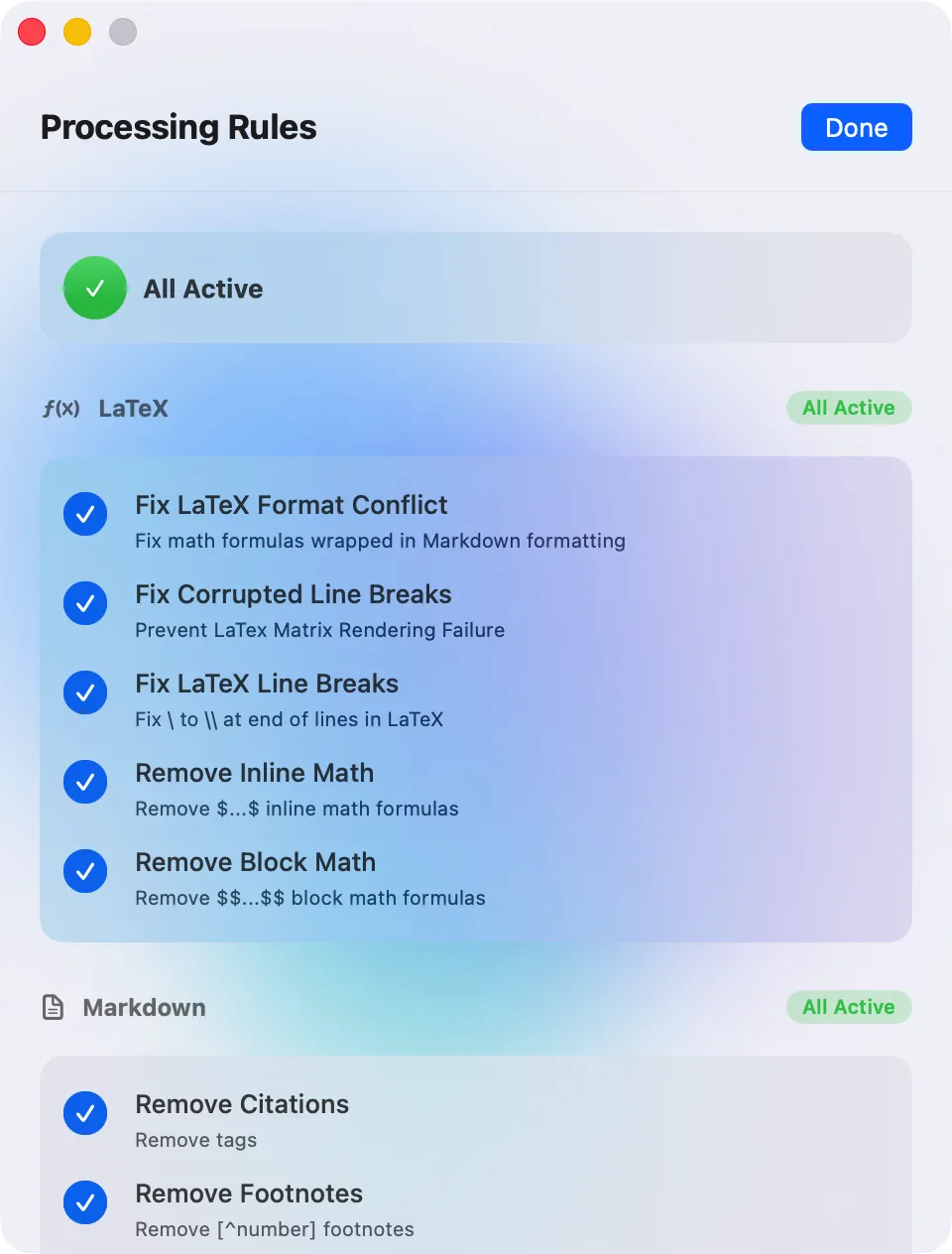
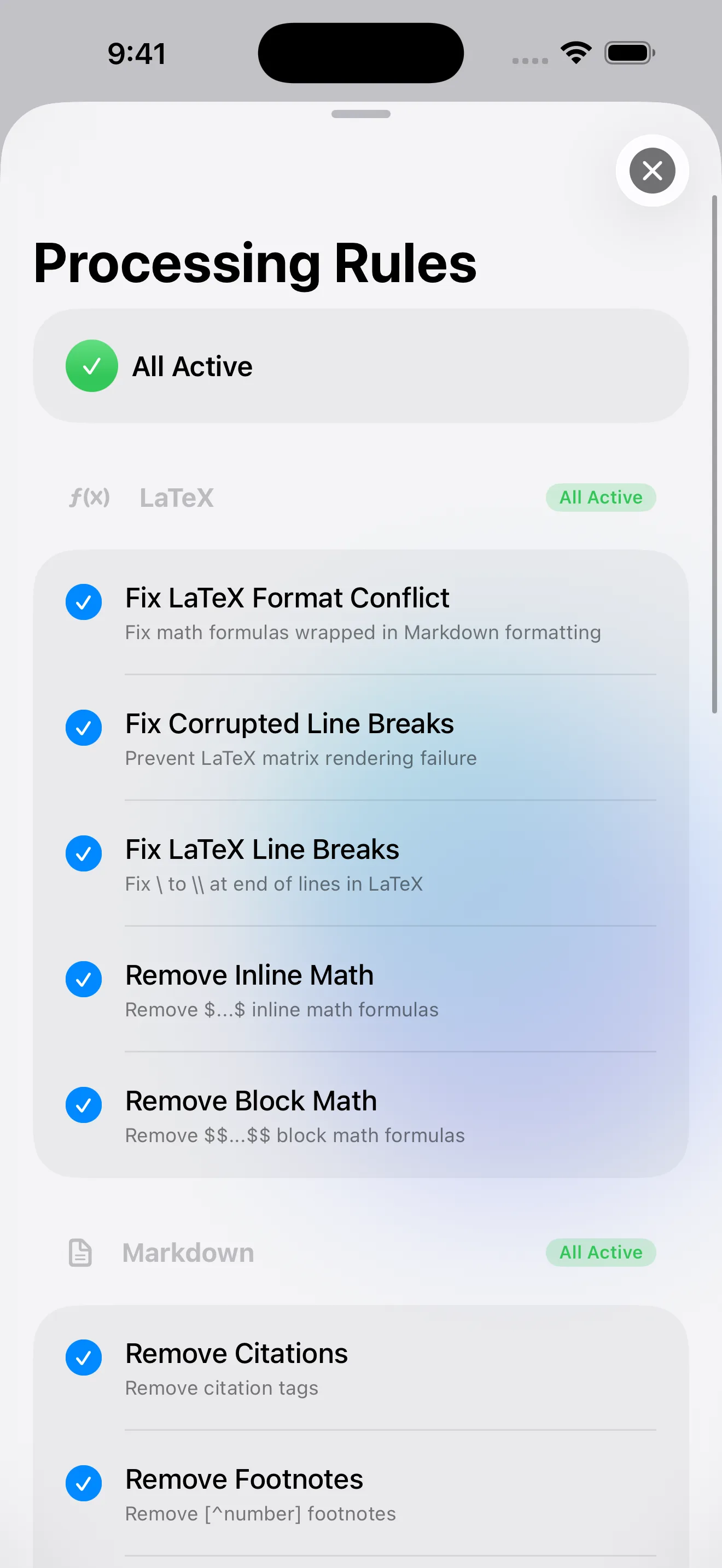
Don't let black-box algorithms guess your intent. The Rule Panel gives you granular toggles for every transformation step.

Fix LaTeX format conflicts, remove inline math, or strip broken citations individually. Toggle entire groups on or off with a single click.

Rule Set Panel
Dark Mode Workspace
Appearance

Easy on the
Eyes.

Late night research session? Texmorph's native Dark Mode reduces visual fatigue, maintaining high contrast for syntax highlighting without the glare.

iOS Experience

Powerful text processing in your pocket.

Texmorph iOS rules page

Dual Layout

Compose and fine-tune text cleanup rules.

Texmorph iOS editing page

Find & Replace

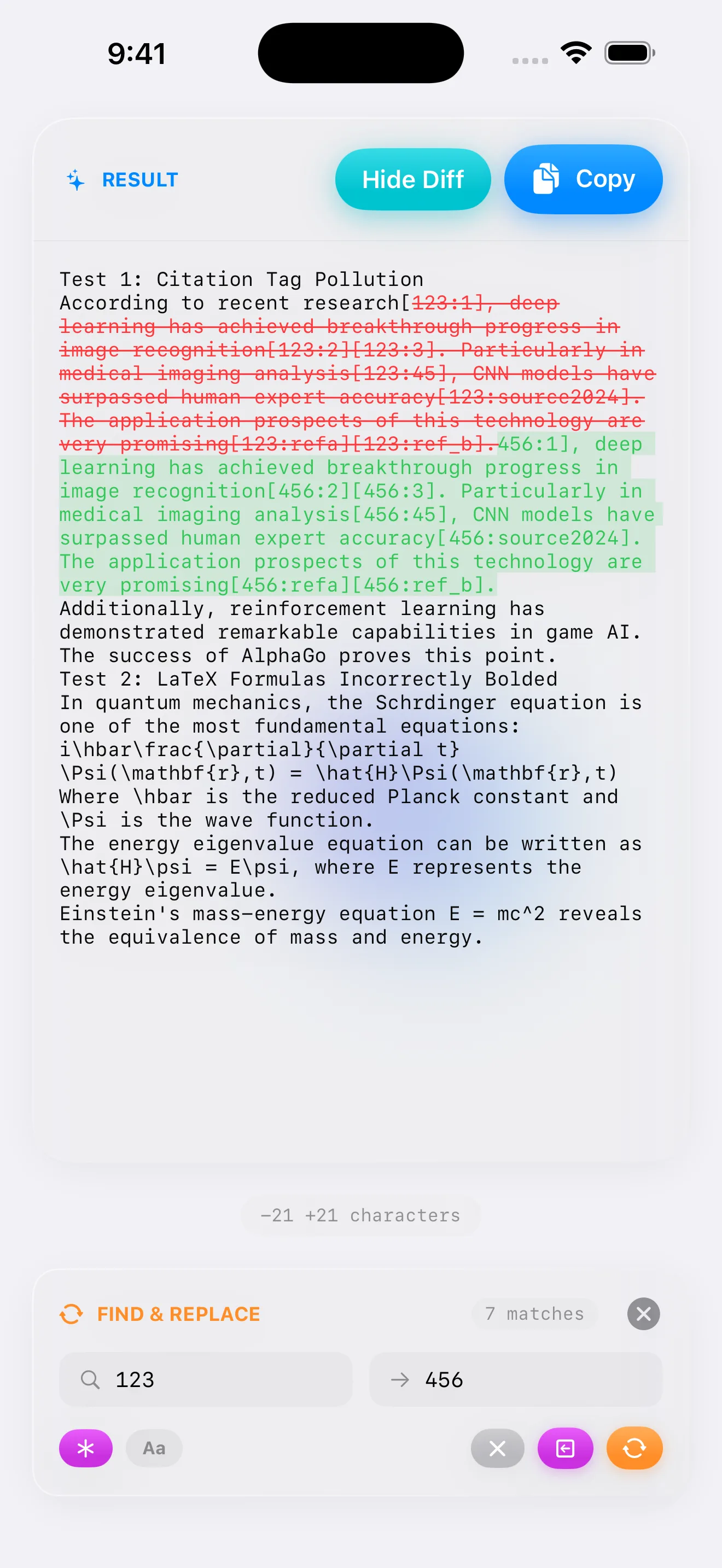
Find, Replace or Delete anything with ease

Texmorph iOS output preview page

Define Your Rules

A number of rules, apply at your fingertips.

Smart Cleaning Engine

Instantly strip away distracting syntax. Remove LaTeX formatting, messy citations, and fix MathJax conflicts with one tap.

Intelligent Diff View

See exactly what changed. The split view (or inline highlighting) gives you complete confidence before you copy.

Your Privacy First.

Your text never leaves your device. All regex processing, formatting, and analysis happens locally in the application sandbox.

100% Local No Analytics