'%3e%3ccircle%20cx='38'%20cy='30'%20r='30'%20fill='url(%23a)'%20opacity='.86'/%3e%3ccircle%20cx='28'%20cy='35'%20r='28'%20fill='url(%23b)'%20opacity='.68'/%3e%3ccircle%20cx='37'%20cy='41'%20r='29'%20fill='url(%23c)'%20opacity='.76'/%3e%3c/g%3e%3c/svg%3e) Lumyna
LumynaYour music. Your space.
In Harmony
With Your Music
A place for the songs you keep.
A little room to get lost in them.
01 / Your own collection
Entering the Realm
of Your Own
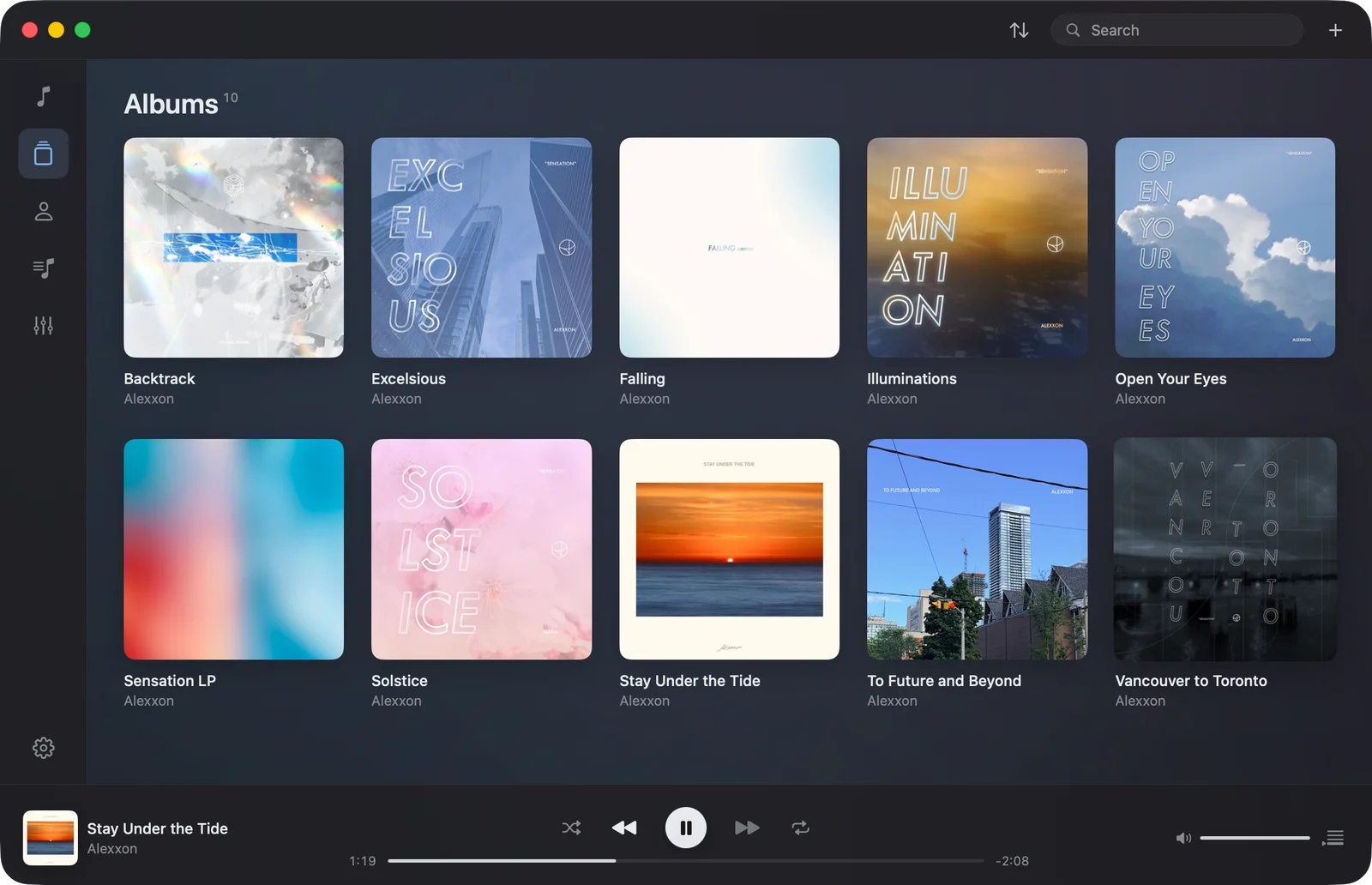
That album you know by heart. The track you found years ago. Bring your audio files into Lumyna and find them again through songs, albums, artists, and playlists.
Keep your favorites close, give a cover your own touch, and let the music set the mood.
Start with your library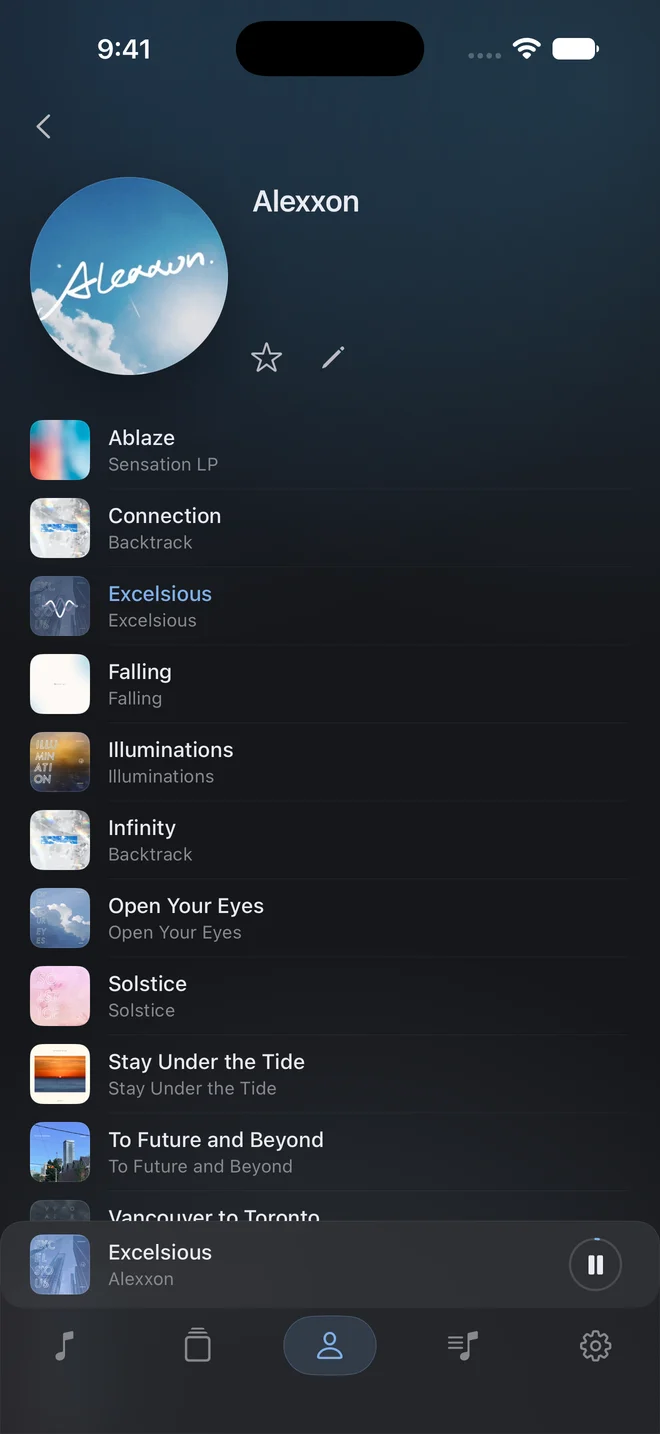
02 / Find your sound
Balance
the Frequencies
Shape the sound around the way you listen. Three focused EQ controls on iPhone and iPad. A ten-band curve and presets on Mac.
Keep an album flowing with gapless playback, blend tracks with crossfade, or bring their levels closer with volume normalization.
Explore playback settings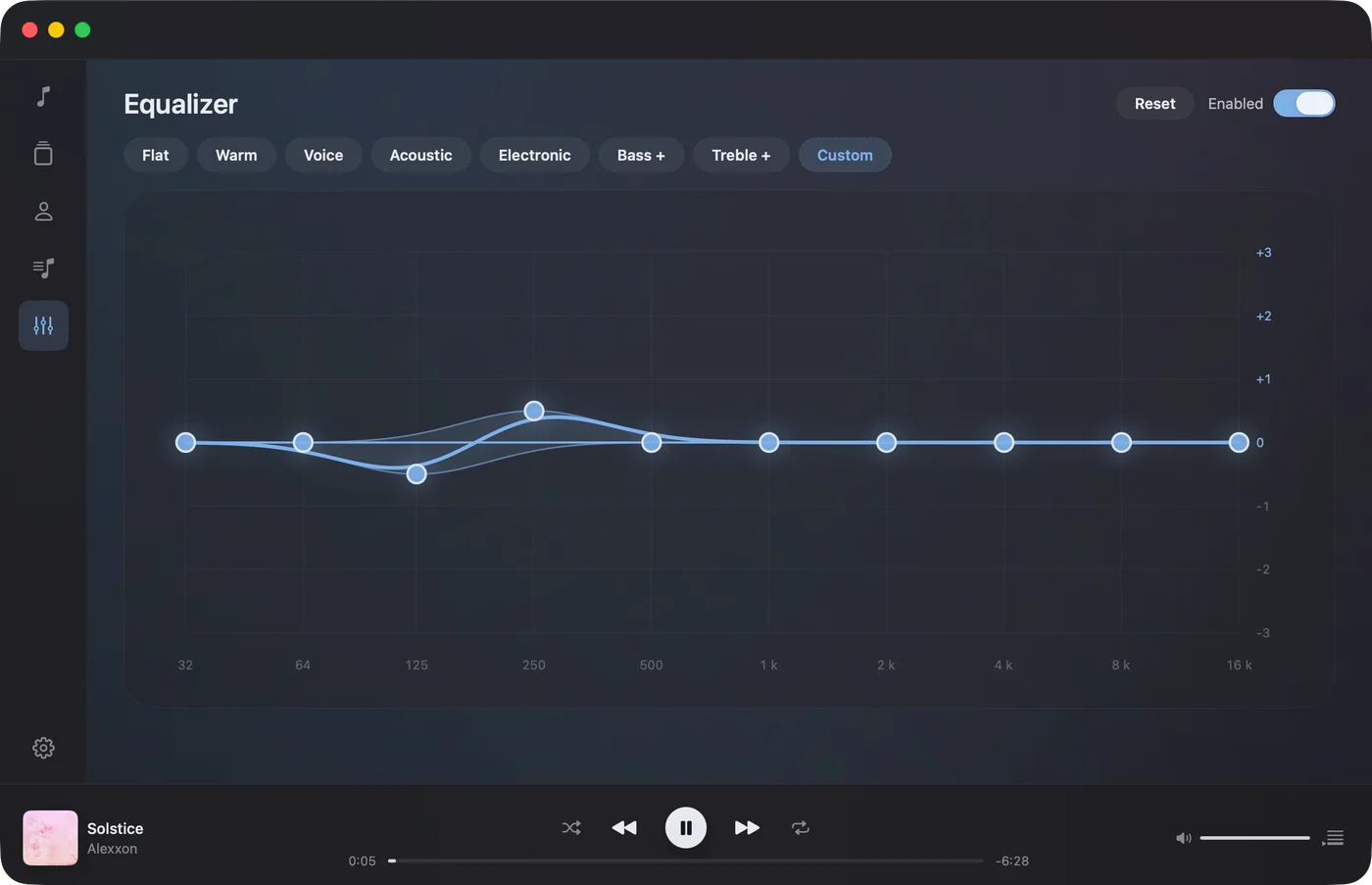
03 / In your order
Customize
Your Playlists
A long drive. A late night. The start of something new. Put the right songs together, arrange their order, and choose artwork that makes the collection yours.
On iPad, your library opens up with room for covers and controls. In a smaller window, it settles back into reach.
Make your first playlist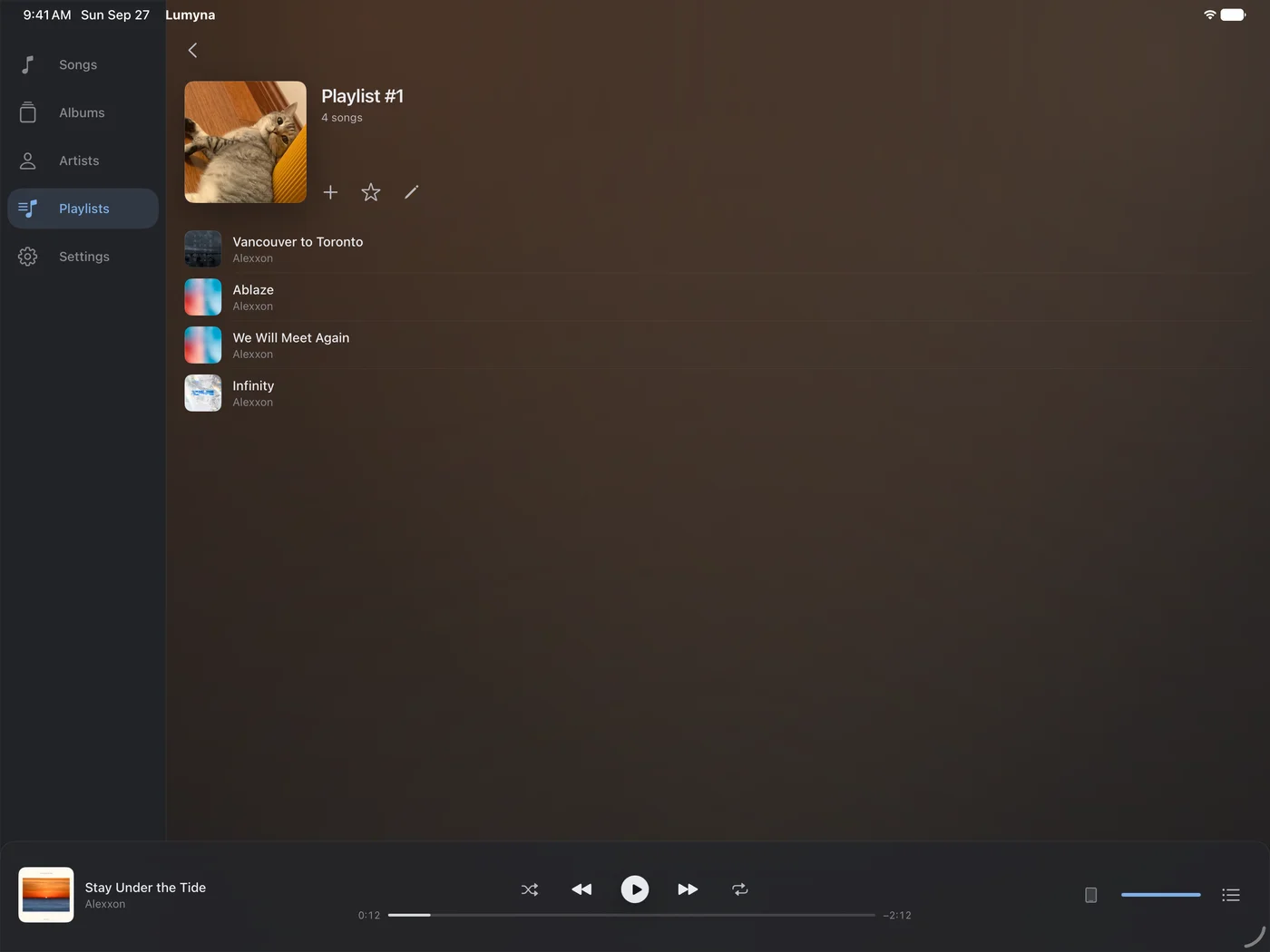
04 / Stay with the music
Sheltering
For Your Focus
Local by nature.
Your library, artwork, playlists, and edits live on your device. No Lumyna account to create.
Space to listen.
Pick a song, shape the queue, and settle in. The player takes its color from the cover.
Yours to keep.
On Mac, connect a music folder to listen in place. Lumyna leaves the original files untouched.
Lumyna Aurora
Make room
to listen.
Start with seven days of playback. Keep listening with an Aurora monthly or yearly subscription.
Download on the App StoreFor iPhone, iPad, and Mac. Version 1.2 requires iOS 26, iPadOS 26, or macOS 26 and later.
What does Aurora include?
All music playback on iPhone, iPad, and Mac. Monthly and yearly plans have the same features. See the current price in your region inside the app.
Does the trial charge me automatically?
No. The local seven-day trial begins on first launch and does not start a subscription. If it ends, you can still browse, import, and edit your library. Playback needs an active Aurora subscription.
Does my music sync between devices?
No. Each device has its own local library. Aurora access can be restored with the same Apple Account, but your songs and playlists do not sync through Lumyna.
Which files can I bring?
MP3, WAV, FLAC, AAC, M4A, and AIFF audio files. Lumyna plays your own files; it does not connect to a streaming music catalog.
Where can I get help?
Open the user manual, or email kircerta@gmail.com with your device, OS version, Lumyna version, and a description of what happened.
A closer look
Lumyna, in pictures.
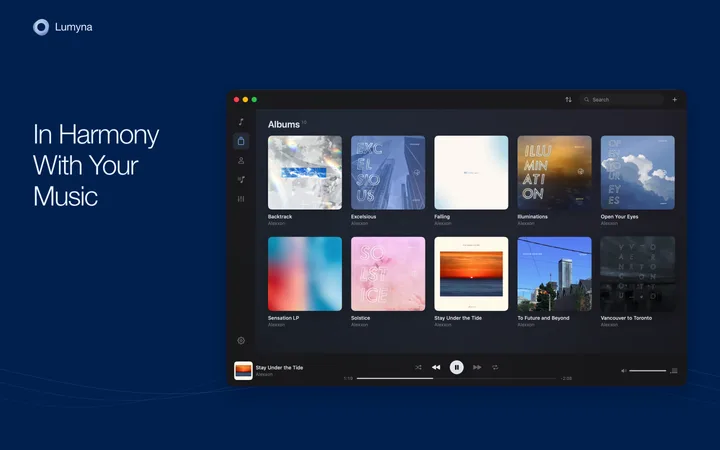
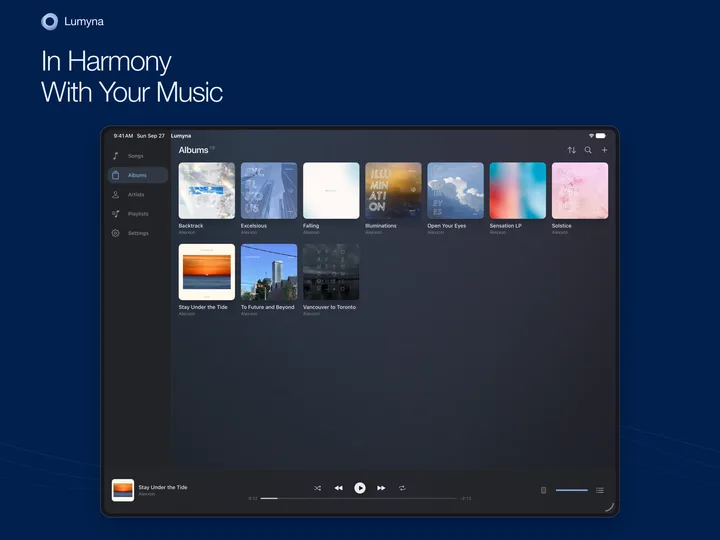
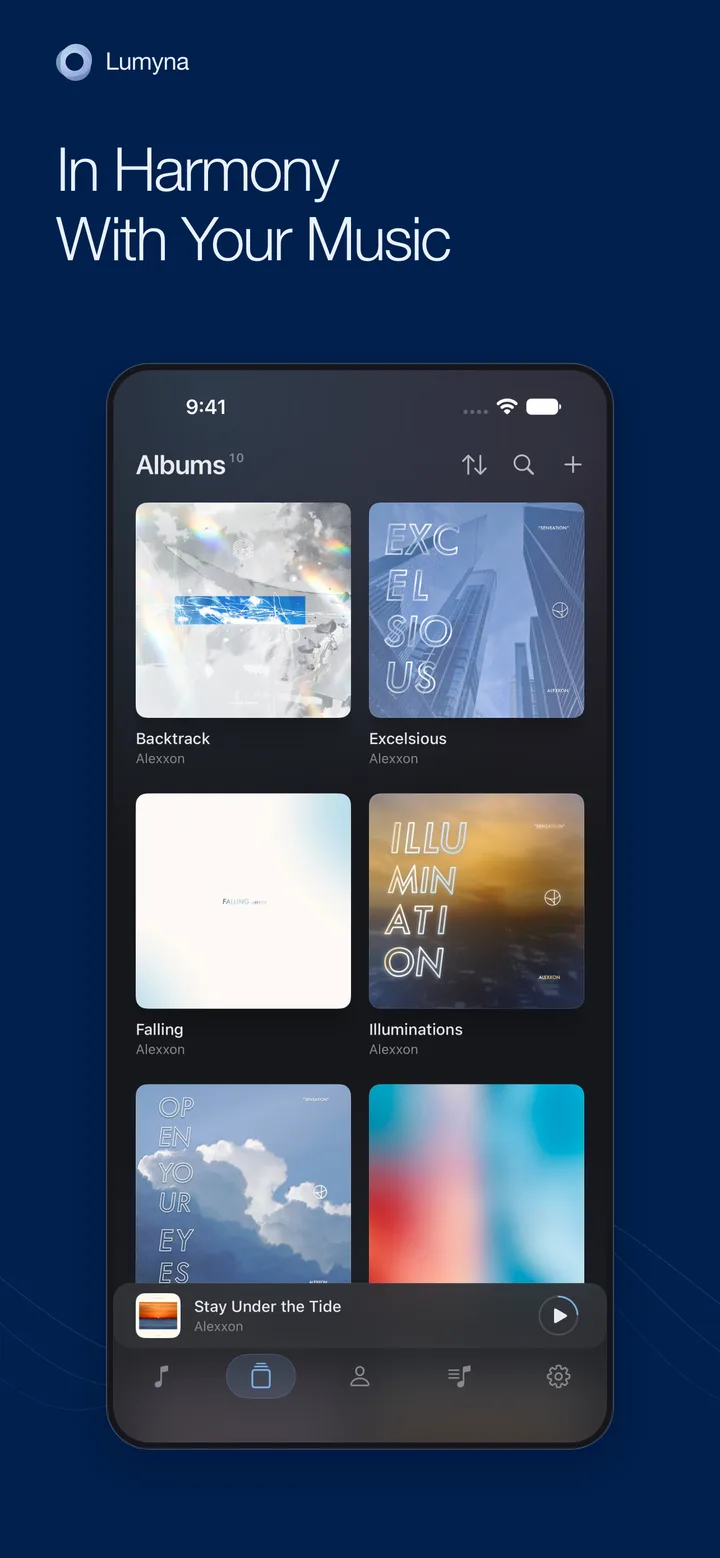
15 full-resolution PNGs · ZIP, 15 MB. Screenshots feature music by Alexxon.