 Wroughts
Write.
Learn.
Think.
Thinking, through writing.
Wroughts 1.0
Wroughts brings the convenience of digital handwriting to a calm, paper-like workspace on iPad. A steady page and a focused set of tools help you stay with your ideas as you write, learn and think.
Downloadon the App Store
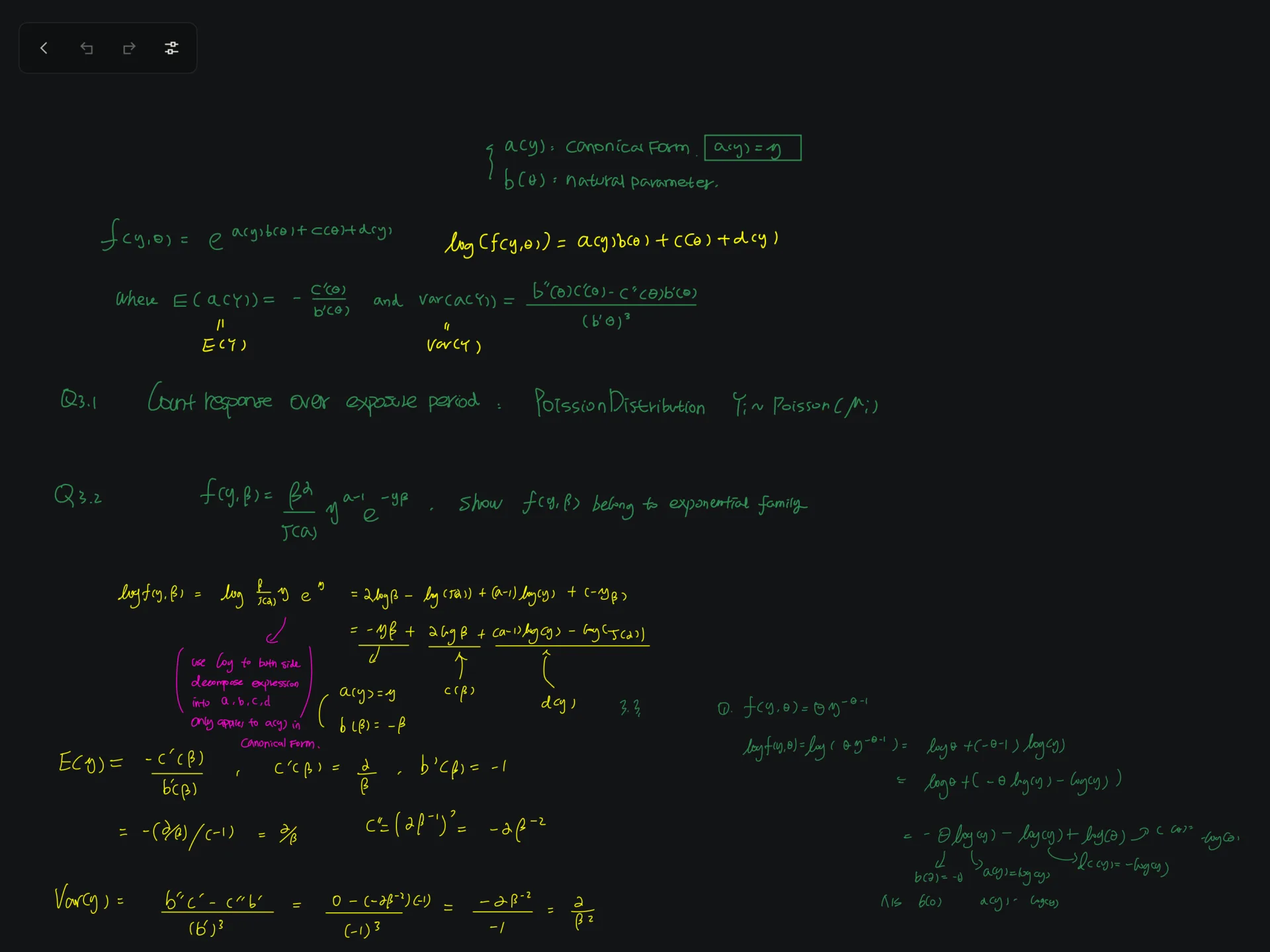
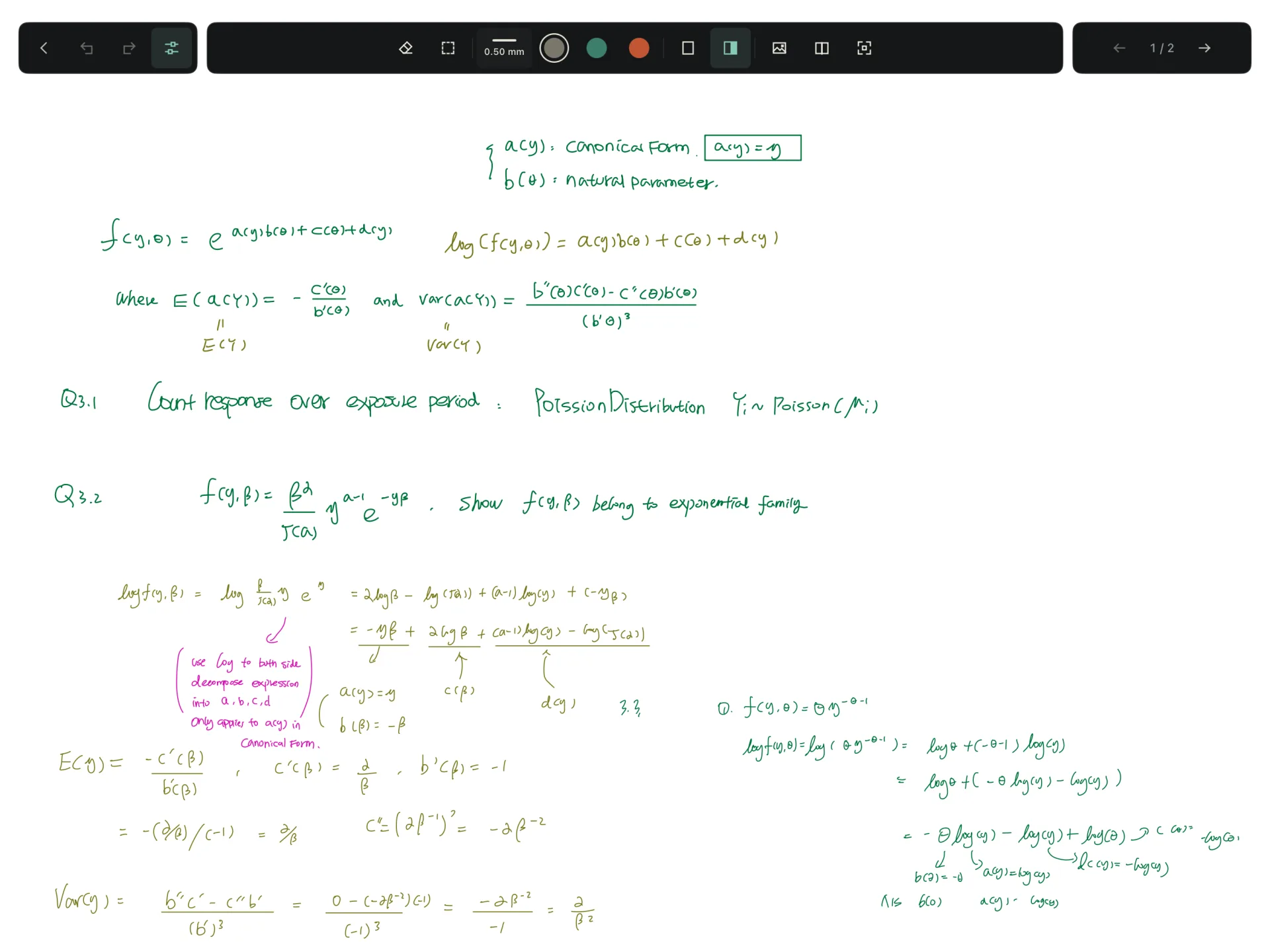
iPad
Intentional, as you are.
On iPad, the page stays still while you write. Enable Gesture when you want to zoom or reposition it, then switch it off to return to the fixed view.

Curated tools for your thinking
A focused set of writing tools, colors and stroke widths keeps the essentials close at hand. Choose a tool and return to your thoughts, without working through a crowded toolbox.
Draw, hold, refine
Draw and hold to turn lines, squares and circles into clean geometric shapes.
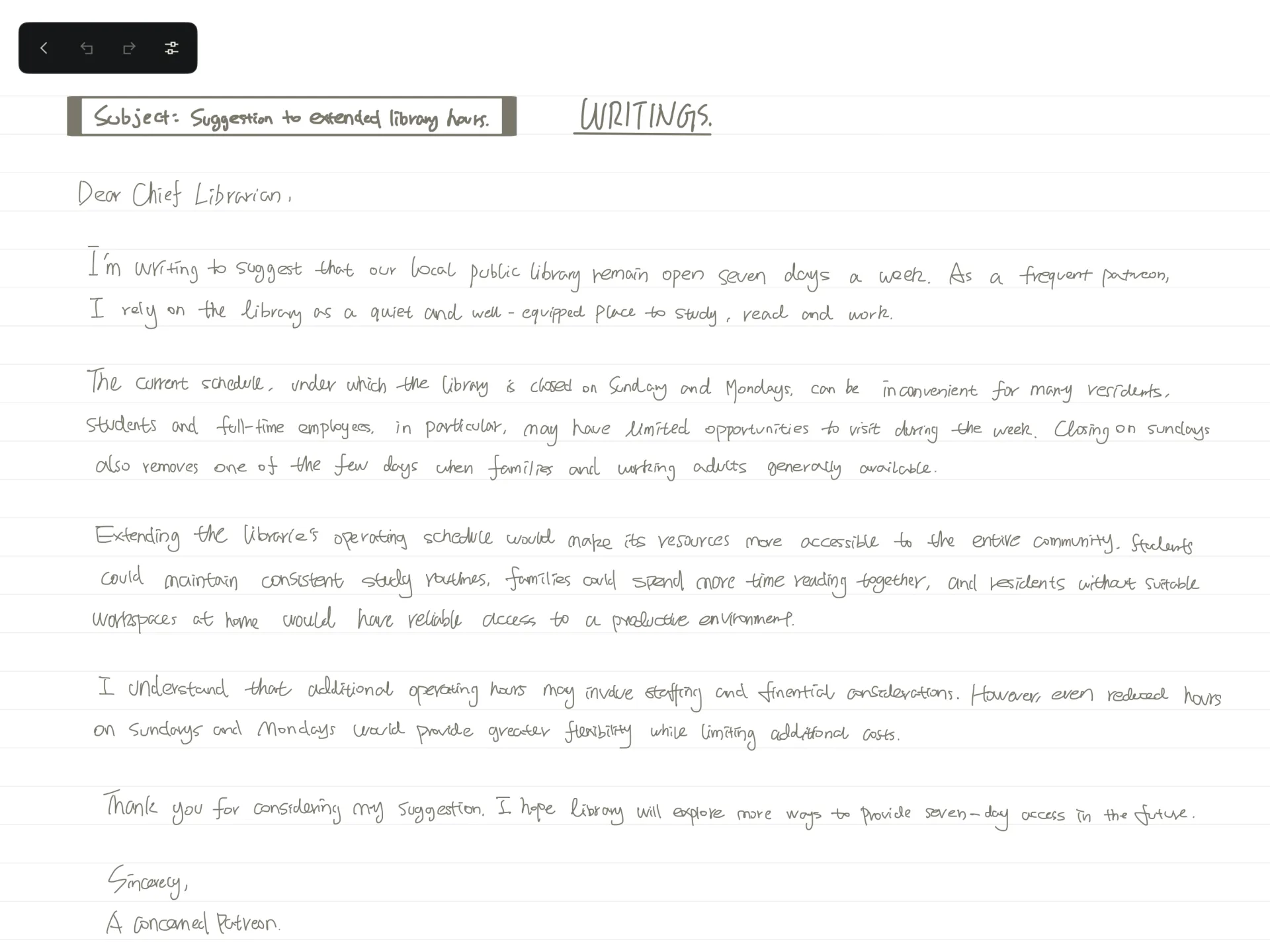
iPad
Minimalistic by design.
Wroughts’ custom ink engine is designed for fluid handwriting, so the technology stays in the background while you focus on your ideas.
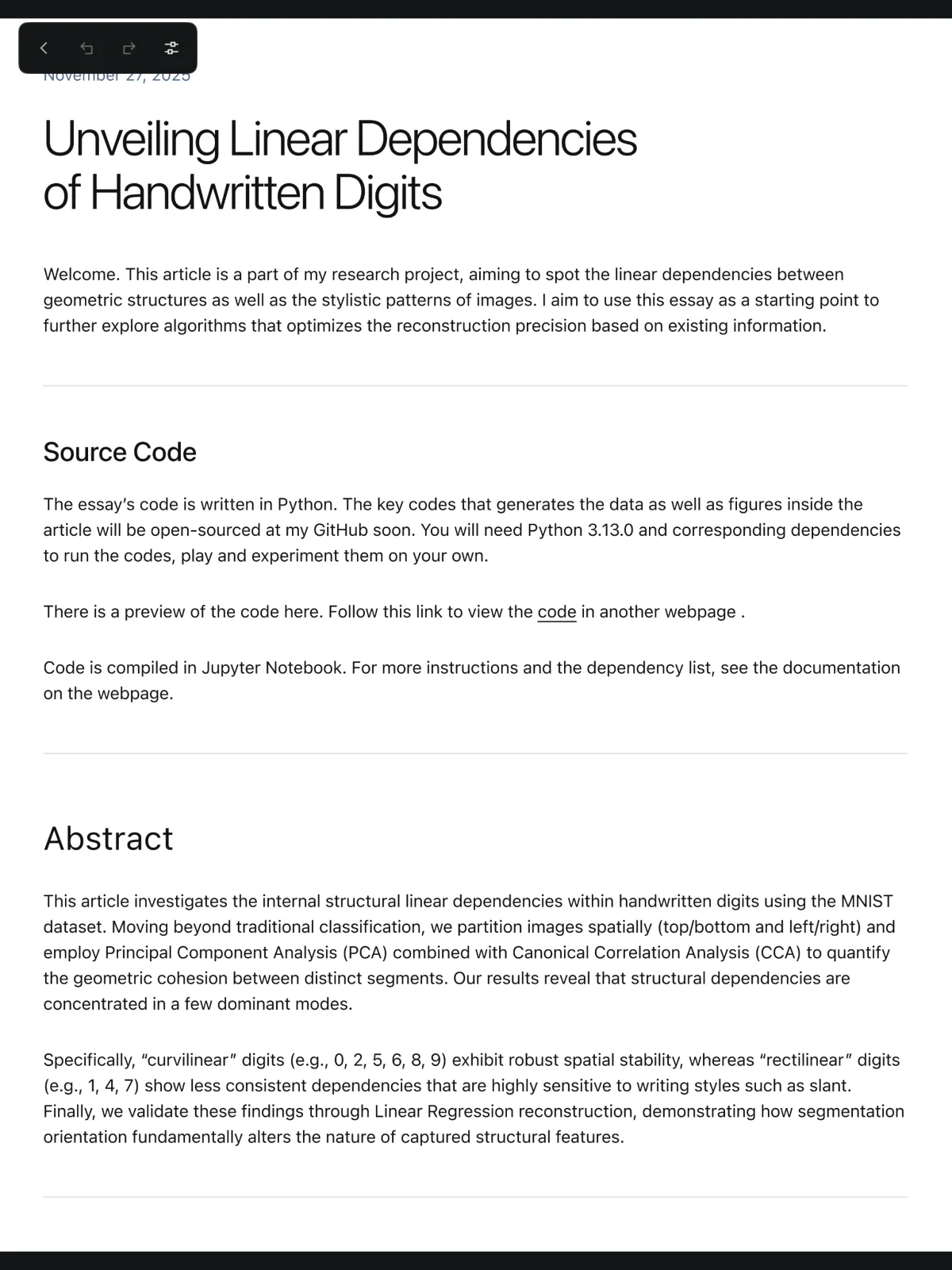
Write straight onto any PDF.
Bring PDFs into your library and export your notes as PDFs for reading or sharing.
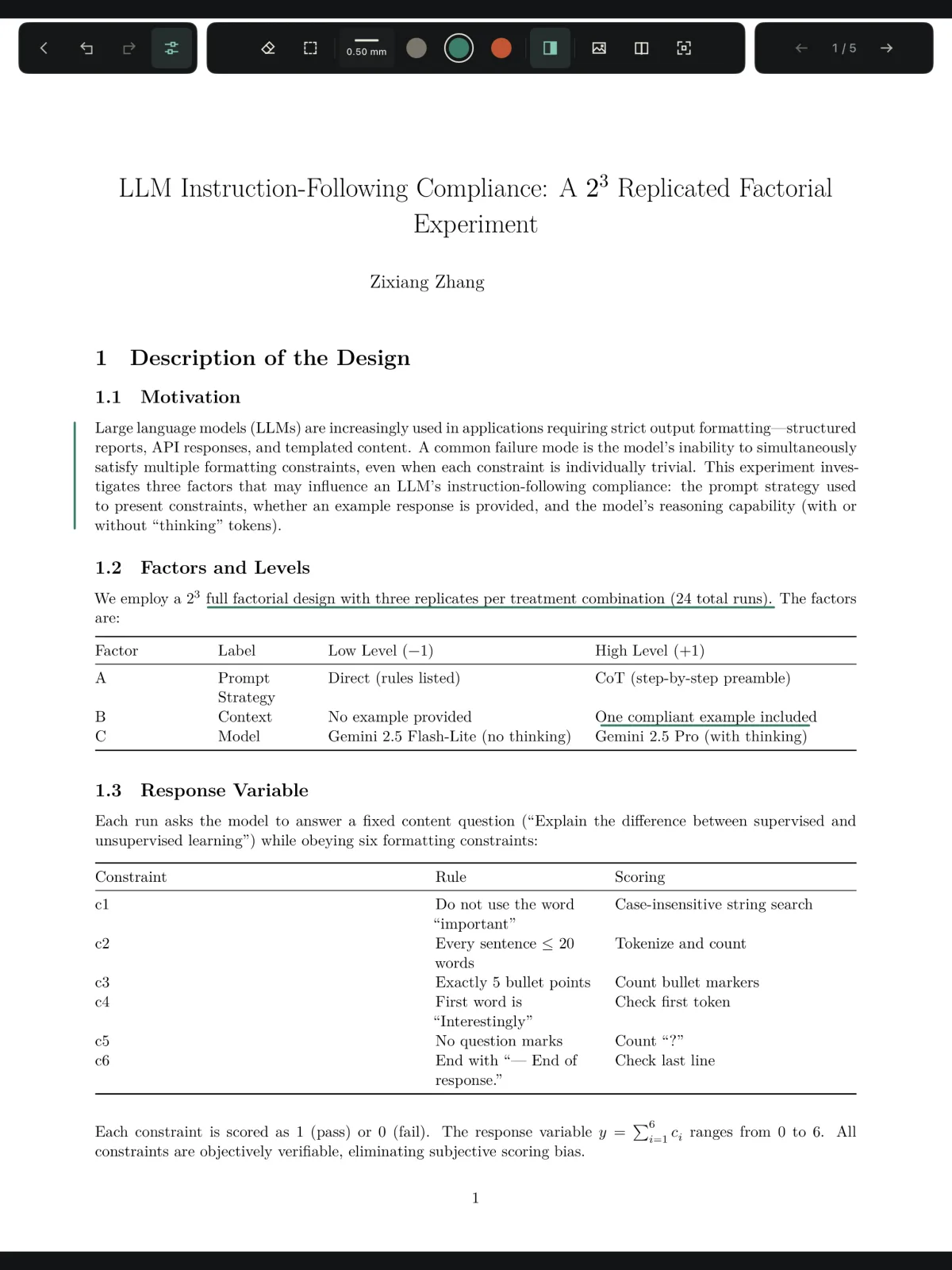
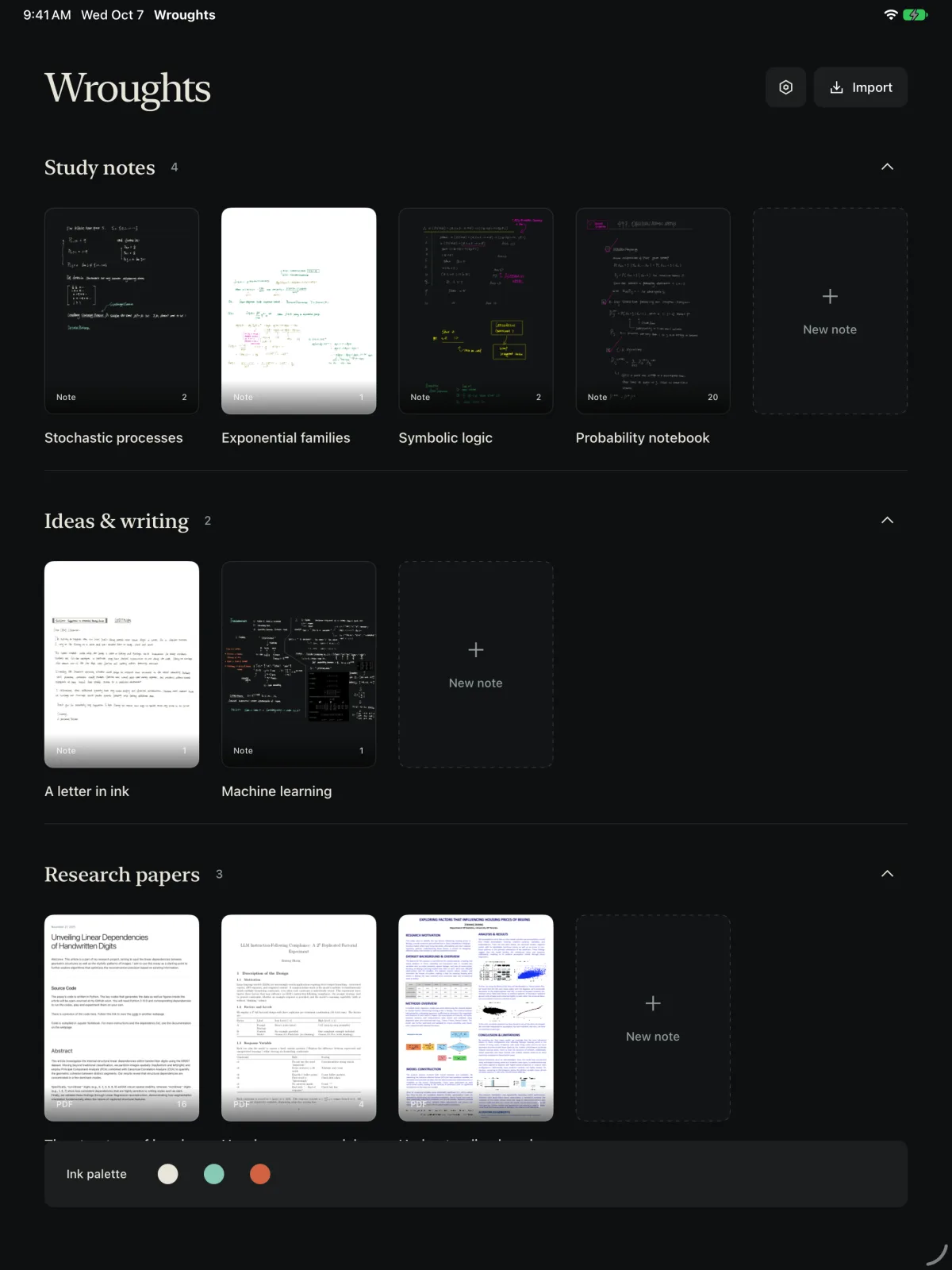
Library
Sheltering your attention.
Adapt your view
Choose light or dark appearance for the interface, and adjust how your notes and PDFs are displayed. On iPad, you can control interface and page appearance separately.
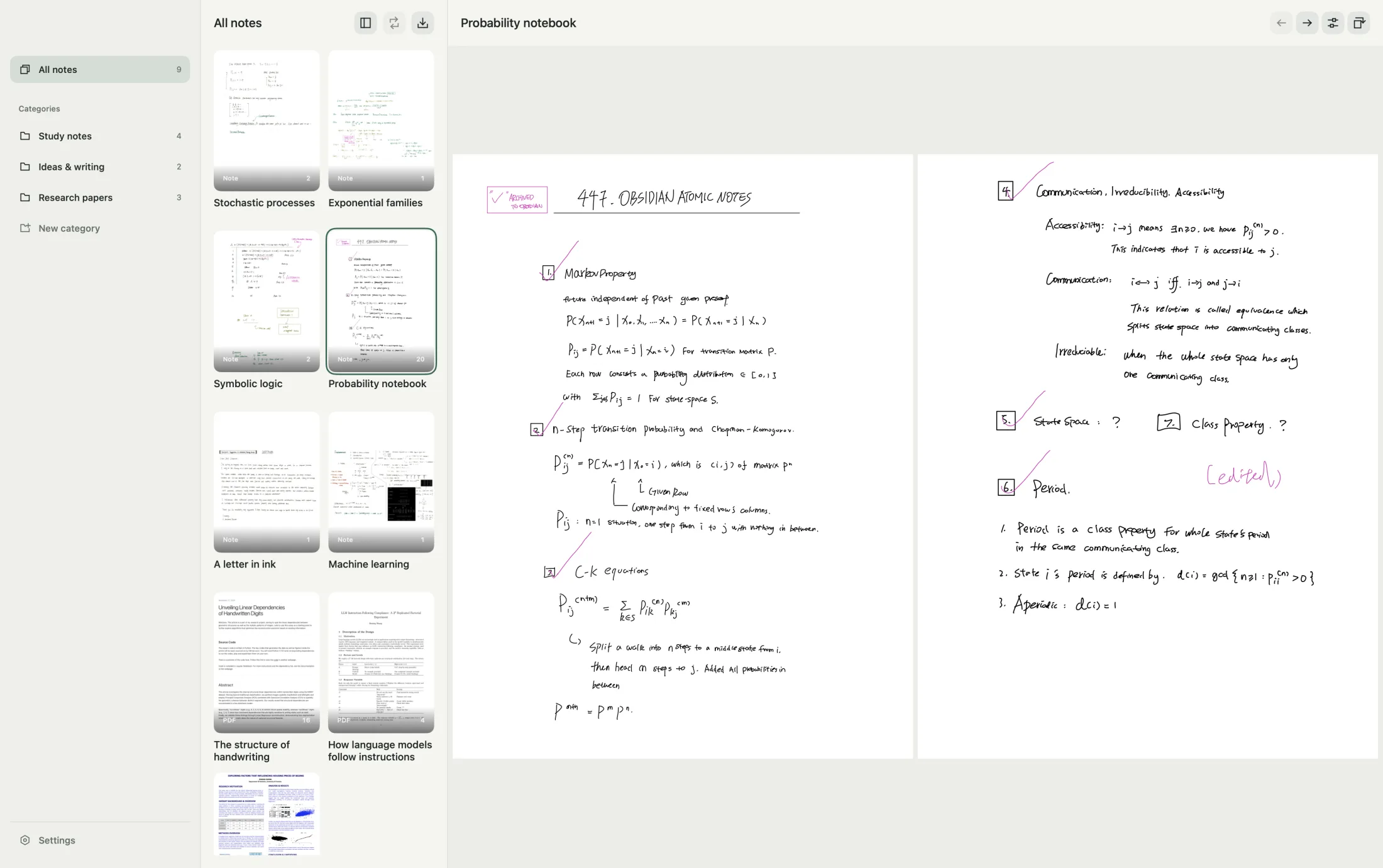
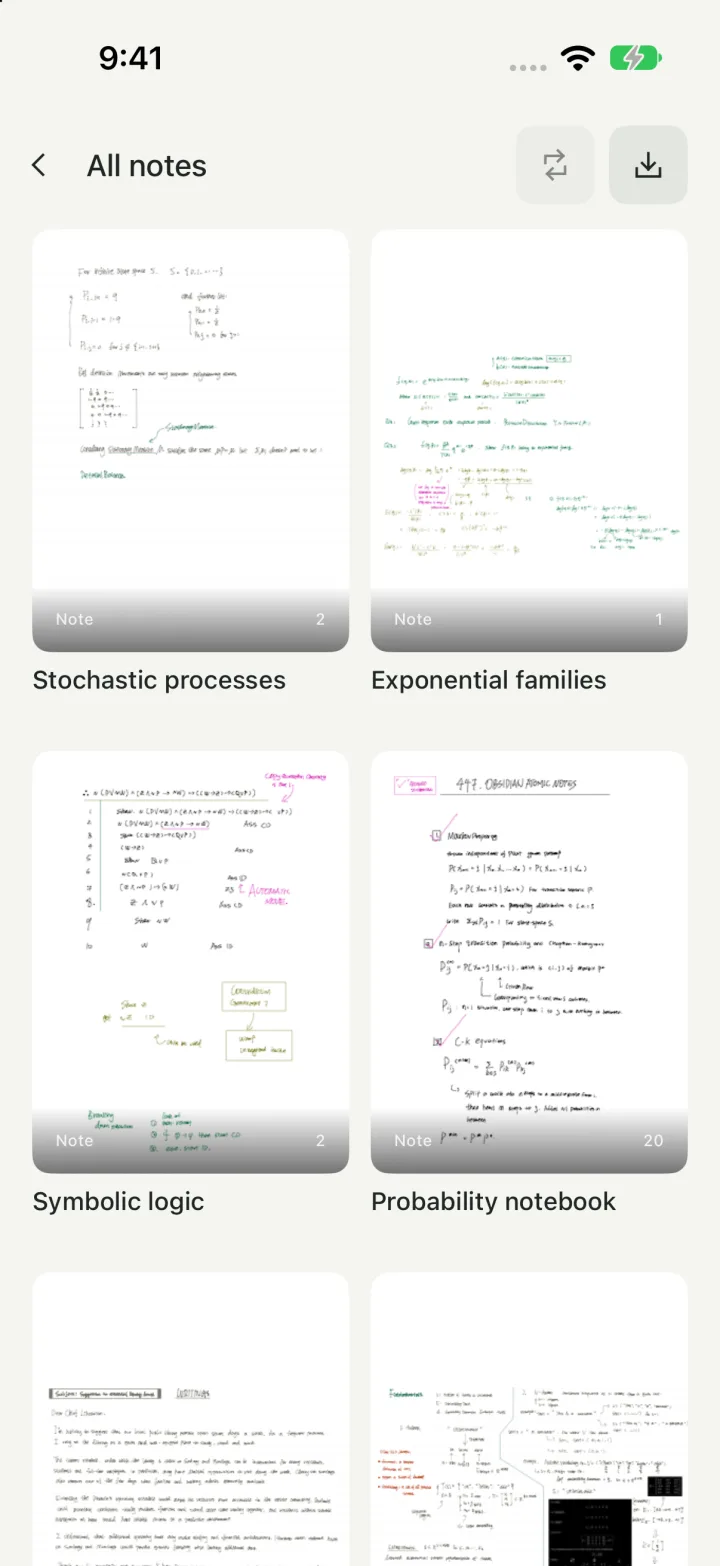
iPad, Mac and iPhone
Your notes are always with you.
Write and edit on iPad. Read and organize your notes on Mac and iPhone. Enable optional iCloud sync to keep your library connected across your devices.
Privacy by default
Privacy is a fundamental right.
Wroughts has no ads or third-party tracking. Your notes are stored locally, with optional iCloud sync. Export and share them when you choose.
Start with seven days.
Wroughts is free to download, with a seven-day trial that starts on its own. After that, keep writing with a monthly or yearly plan, or a one-time lifetime unlock. Your notes stay readable and exportable either way.
Downloadon the App Store
- Write
- iPad, iPadOS 18 or later
- Read
- iPhone, iOS 18 or later
Mac, macOS 15 or later - Version
- 1.0