Stay in your own rhythm.
Ambient sound for focus, rest and sleep: three noises, music composed for them, a timer and a breathing guide.
Stay Under the Tide
Three noises, one gesture.
Brown, pink and white. The whole screen is the control, and the sound carries on in the background and on the Lock Screen.
Music, composed for it.
Three pieces to play over the noise, mixed toward focus or rest.
Stay Under the TideRainy DaysEverything Will Be Okay
Breathe, or keep time.
The pentagon sets a timer that stops the sound when it ends. The hexagon opens a breathing guide, Simple or 4-7-8, for one to twenty cycles.
Timer
Start
On your wrist, and in the menu bar.
The same noises and music on Apple Watch, and in a small panel in the Mac menu bar.
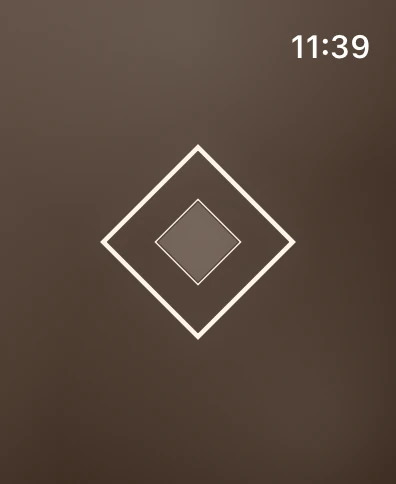
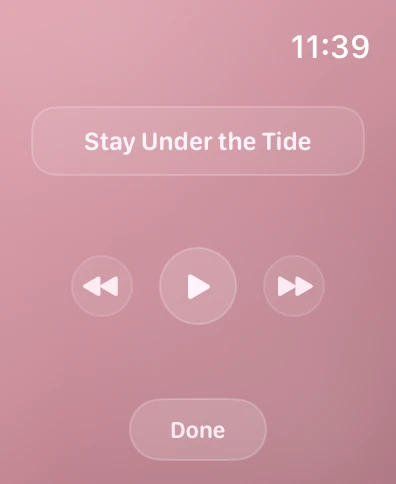
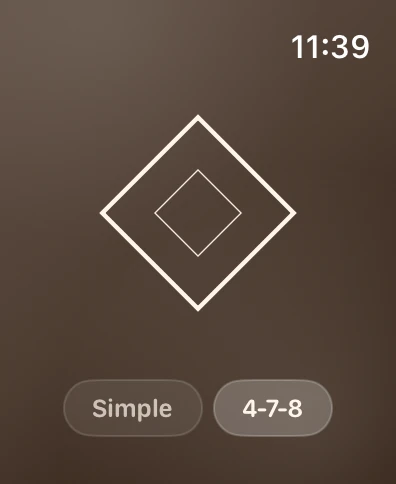
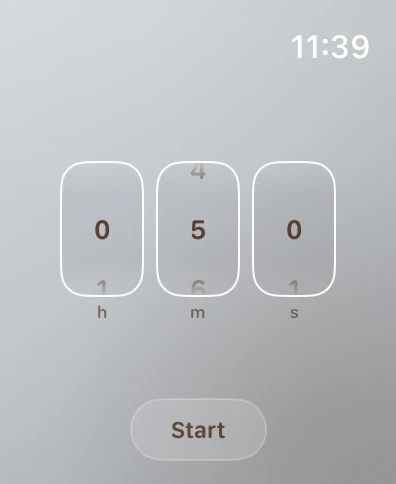
Every control is a gesture.
iPhone and iPad
- Tap
- Start or stop the noise.
- Swipe sideways
- Brown, Pink or White.
- Drag up or down
- Volume.
- Double-tap the title
- Play or pause the music. Swipe it for another track, hold it for the mix.
- Top corners
- The timer on the left, breathing on the right.
- The diamond
- Settings, with the guide under About.
Apple Watch
- Tap the diamond
- Start or stop.
- Swipe sideways
- Change the noise.
- Digital Crown
- Volume.
- Hold the diamond
- Music and the mix.
- Swipe up or down
- The timer, or breathing.
Mac
- Click the diamond
- Start or stop.
- Double-click
- The next noise.
- Drag the bar
- Volume.
- Hold the diamond
- Music.
- Right-click
- Every noise and track, and Quit.
Rhylm plays alongside other audio. To pause it when another app plays, turn on Pause when other audio plays in Settings.
Free, with nothing to track.
No ads, no account and no in-app purchases. Rhylm doesn’t collect personal data.

- Price
- Free
- iPhone
- iOS 18.6 or later
- iPad
- iPadOS 18.6 or later
- Mac
- macOS 15.6 or later
- Apple Watch
- watchOS 11 or later