Rhylm
App Store ↗
Rhylm
App Store ↗
Stay in your own rhythm.
Rhylm is ambient sound for focus, rest and sleep: brown, pink and white noise, music written for it, a timer and a breathing guide.
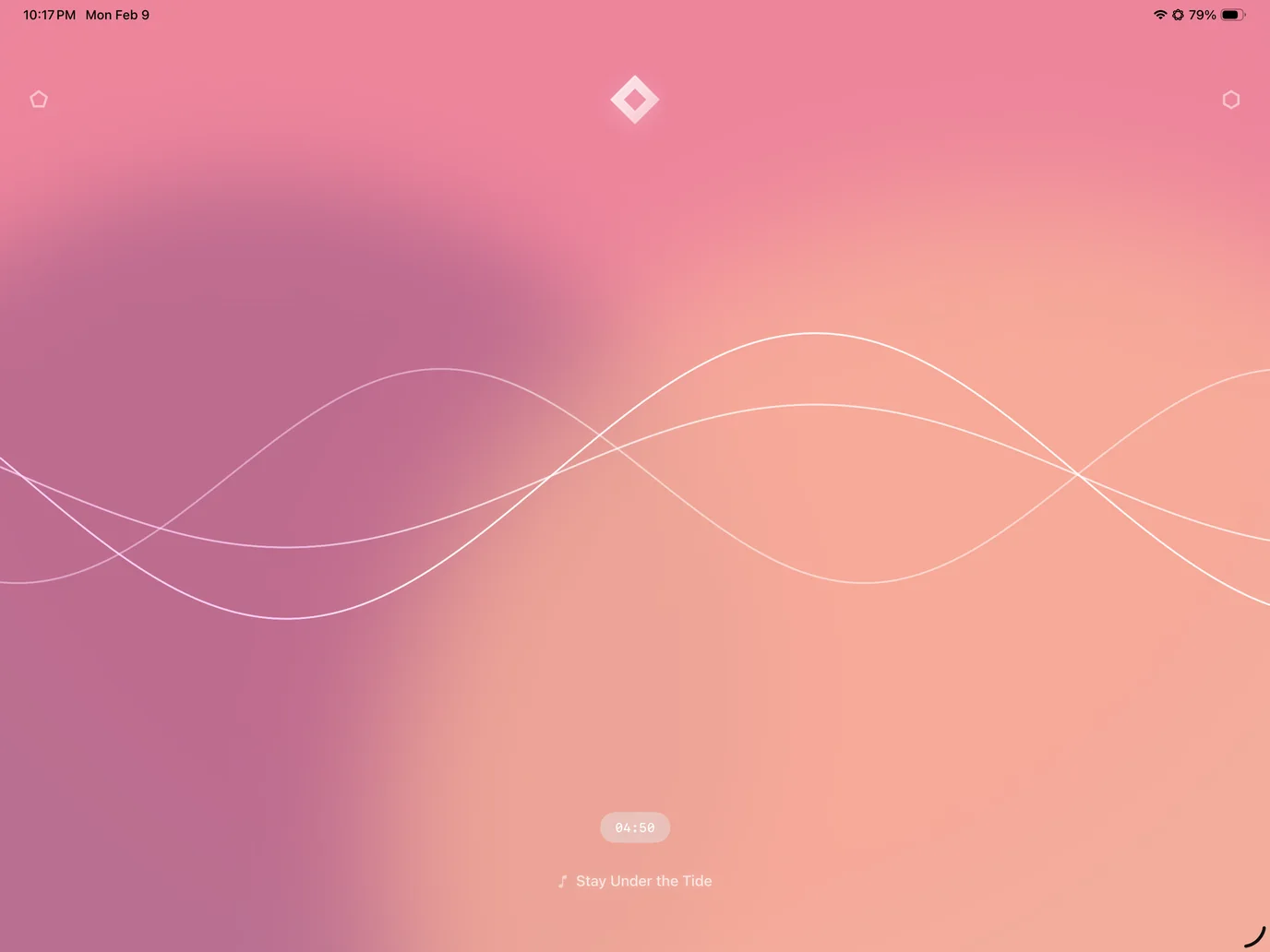
Noise
Three noises, one gesture.
Tap anywhere to start or stop. Swipe left or right to move between Brown, Pink and White noise, and drag up or down anywhere to set the volume. Each noise brings its own colours.
Sound keeps playing in the background and with the screen locked, so you can read, work or sleep without the app open.
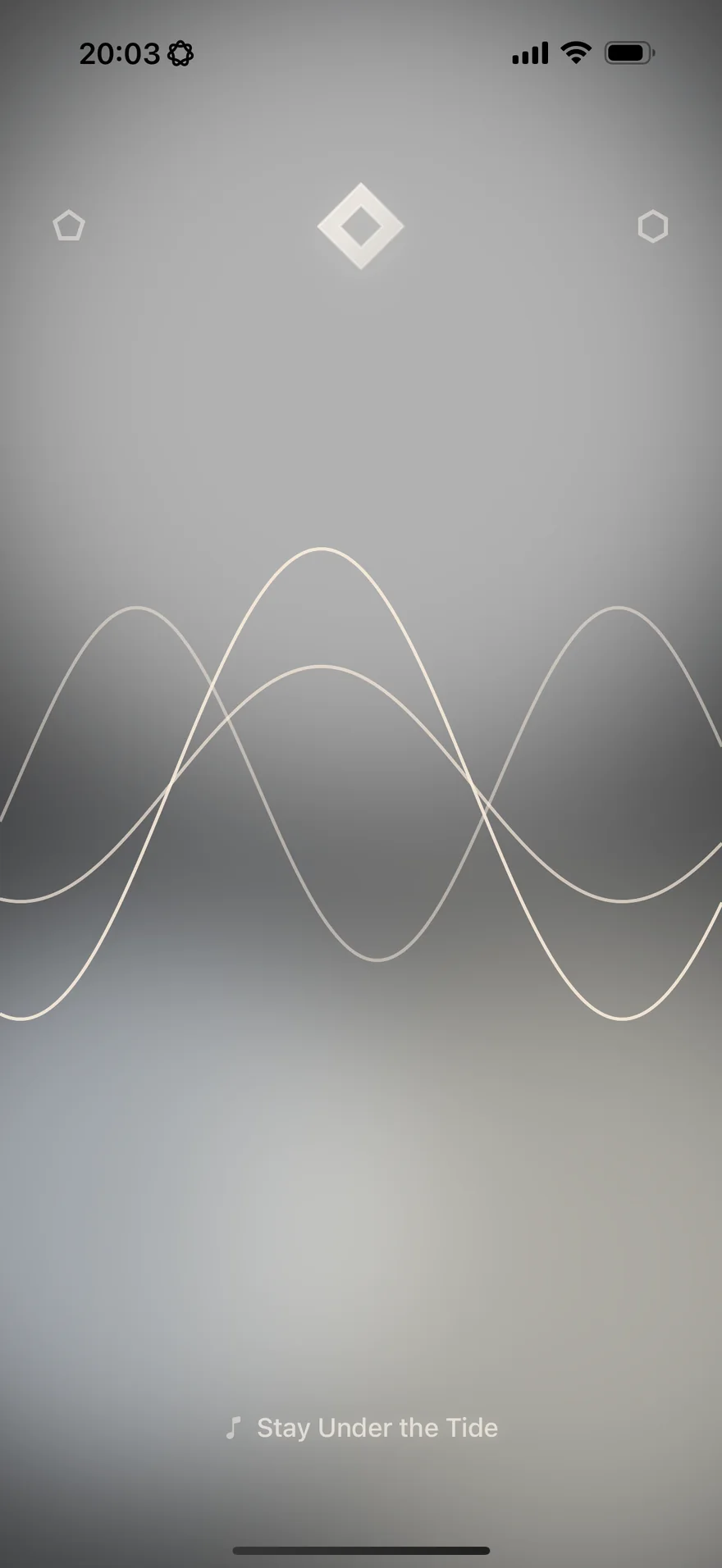
Music
Music, composed for it.
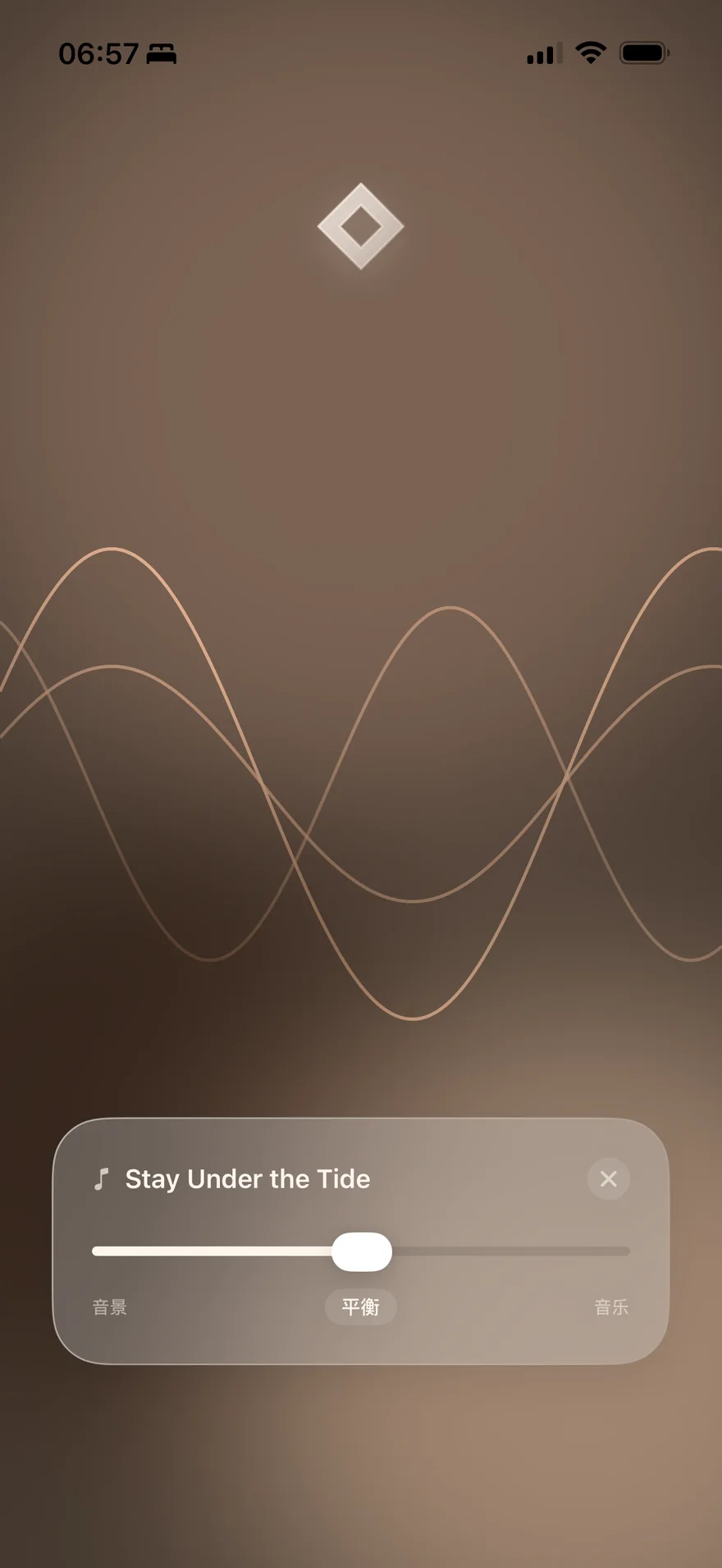
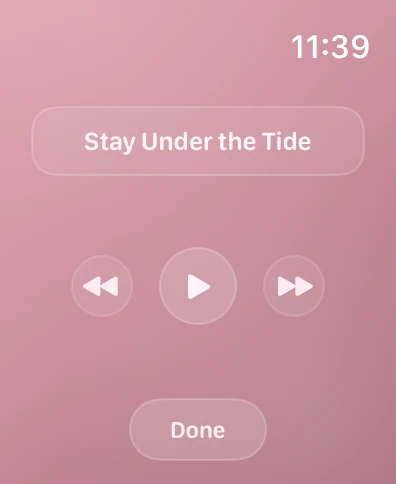
Rhylm’s music is written and produced by its developer, a composer and audio engineer, to sit over the noise. Double-tap the title to play or pause, swipe the card to change track, and long-press for the balance between music and noise.
- 01Stay Under the Tide
- 02Rainy Days
- 03Everything Will Be Okay
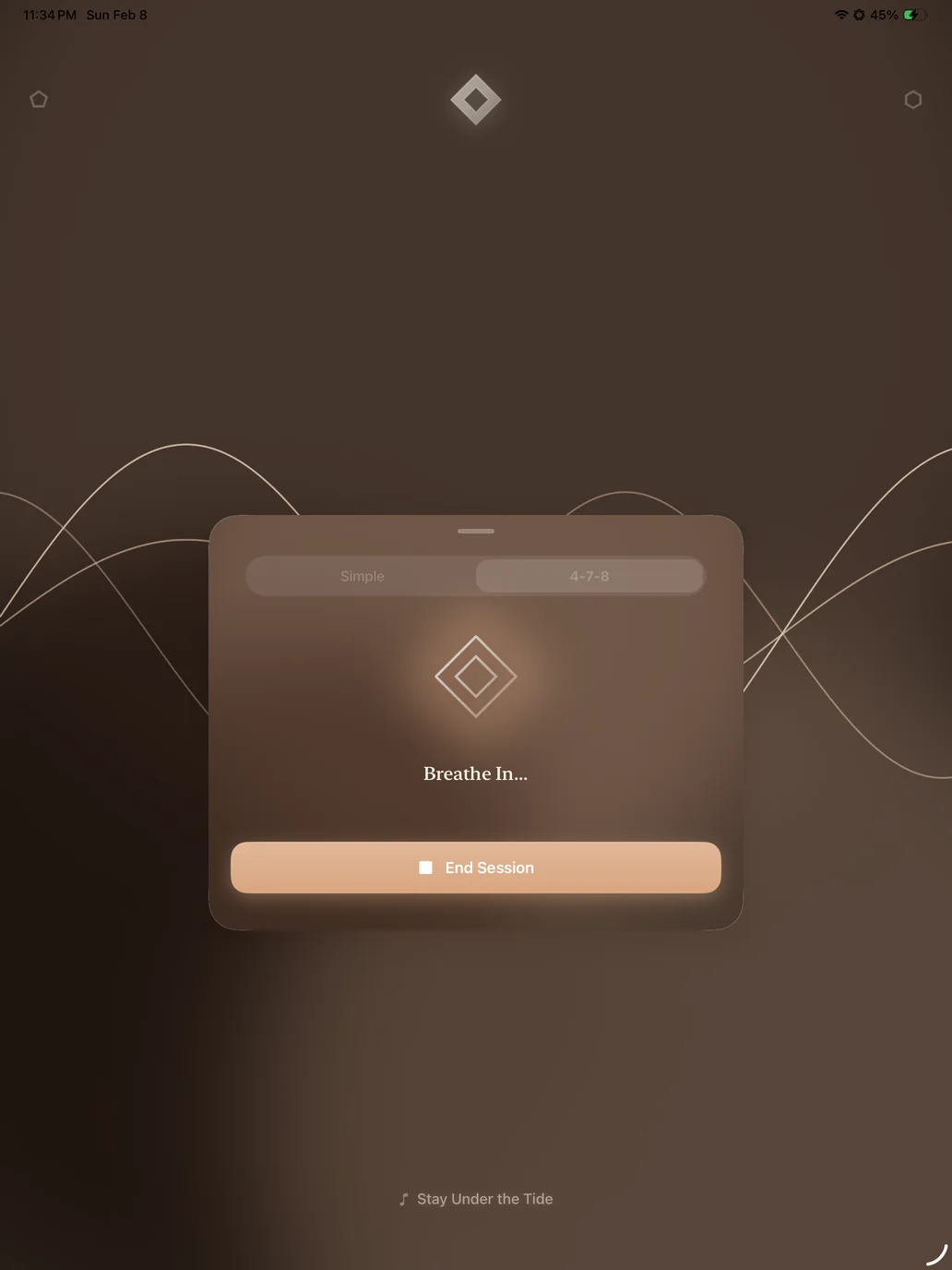
Timer and breathing
Breathe, or keep time.
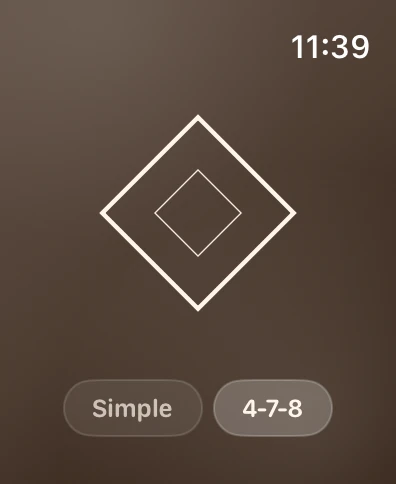
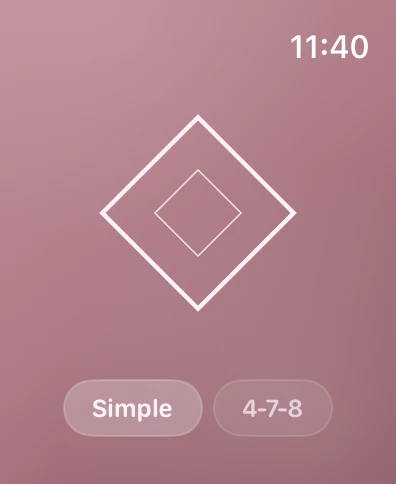
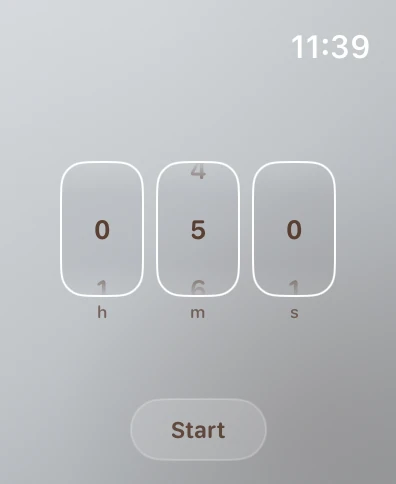
The top corners open a focus timer and a breathing session. Breathing follows one of two patterns, Simple to relax or 4-7-8 before sleep, paced by the diamond and gentle haptics.
On your wrist, and in the menu bar.
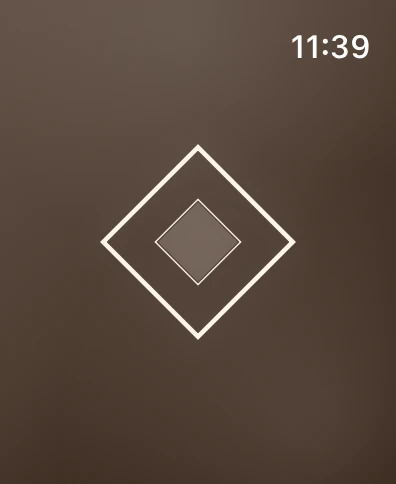
On Apple Watch, press the diamond to play, swipe to change noise and turn the Digital Crown for volume. Swipe up for the timer and down to breathe; long-press the diamond for music.
On a Mac, Rhylm sits in the menu bar. Click the diamond to play, double-click it for the next noise, and drag the bar to set the volume.



Getting started.
Rhylm has almost no buttons; the screen itself is the control. The guide that opens on first launch covers the same ground, and you can see it again by tapping the Rhylm logo in Settings.
Tap to play
Tap anywhere on the screen to start or stop the noise.Swipe to switch
Swipe left or right to move between Brown, Pink and White noise.Drag for volume
Drag up or down anywhere on the screen to set the master volume.Play the music
Double-tap the music title to play or pause, swipe the card to change track, and long-press it for the mix of music and noise.Timer and breathing
Open the timer or a breathing session from the top corners.Play alongside other apps
Rhylm shows a Live Activity while it plays. Turn it off in Settings to let Rhylm play at the same time as audio from other apps.