 Norktavision
A document reader for Mac
Keep the whole
idea in view.
One window.
A little more perspective.
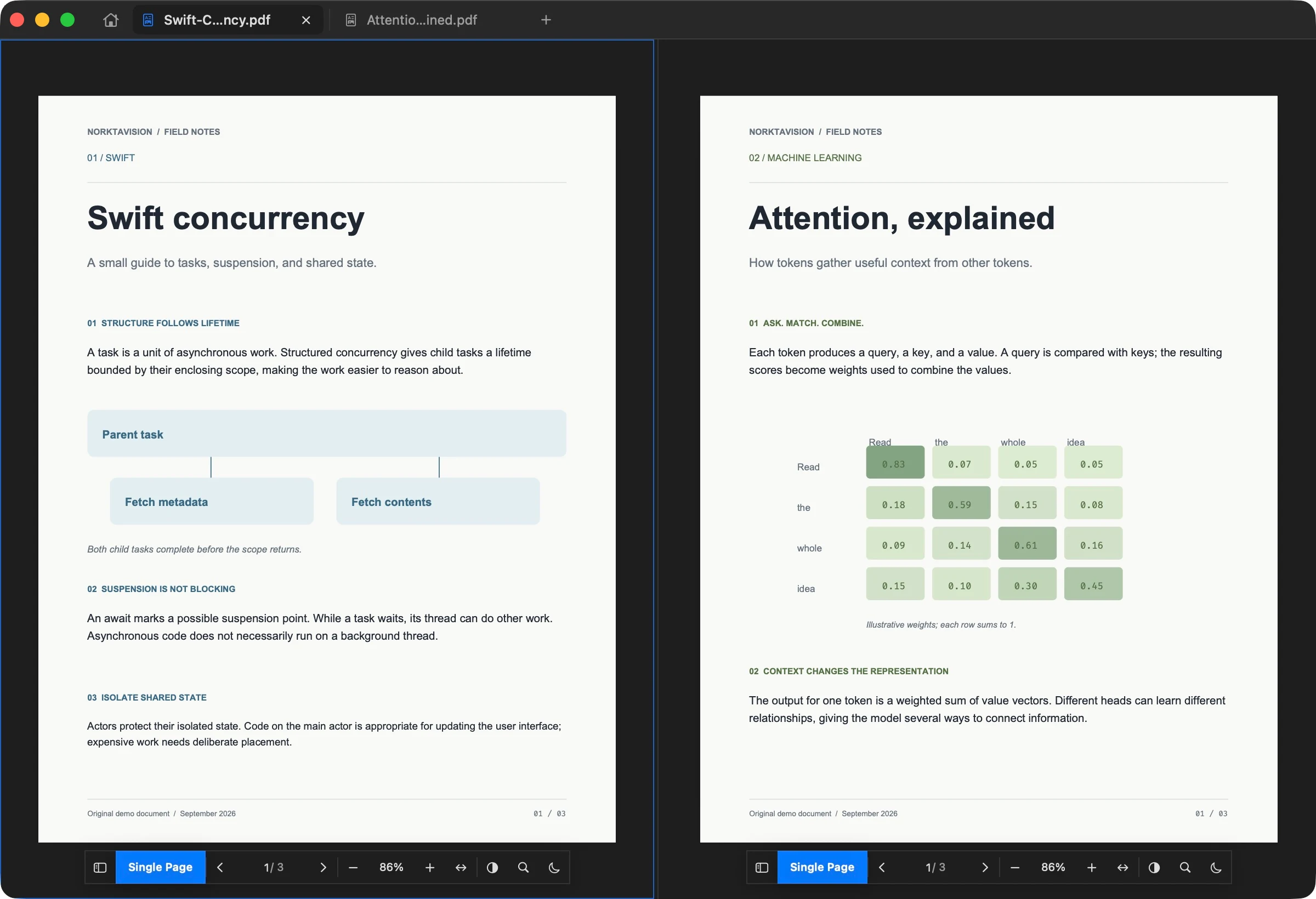
A wider view
The paper. The reference.
The connection between them.
Read a paper beside its reference. Keep a tutorial next to your notes. Norktavision brings PDFs and local HTML into the same native Mac workspace, with a place for each document.
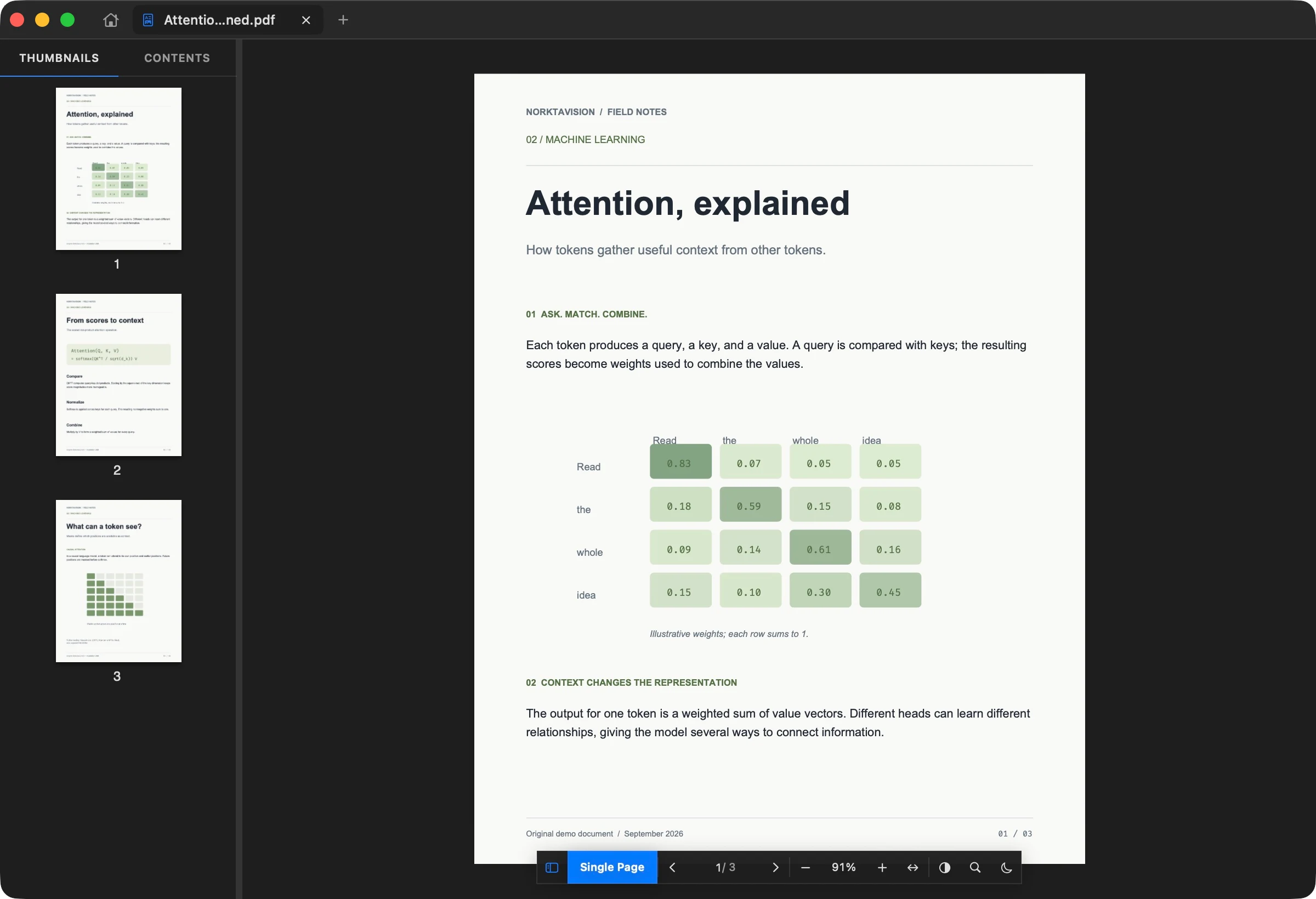
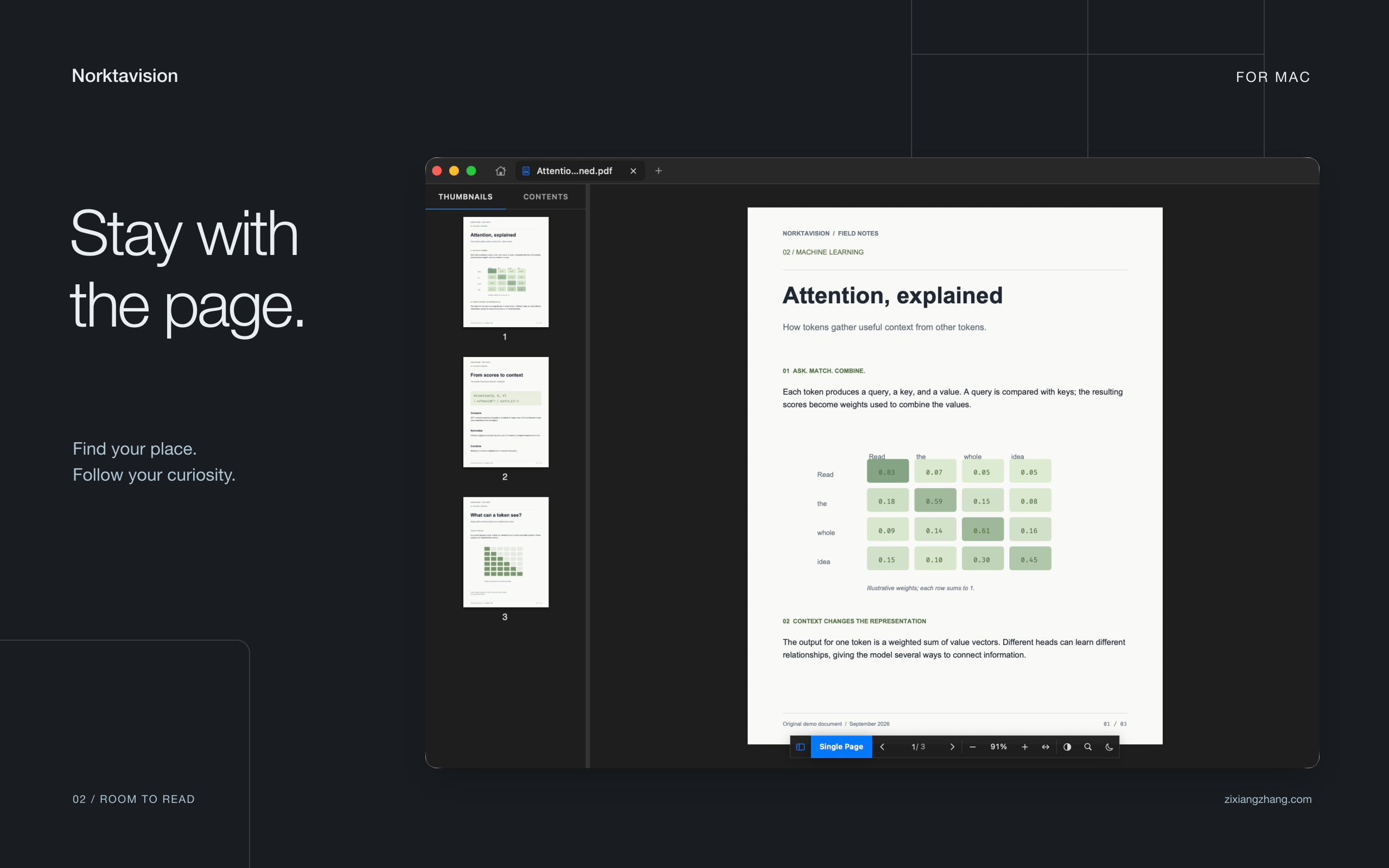
Stay with the page
Less searching.
More reading.
Move through individual page previews or a document’s outline. Find a phrase, adjust the zoom, and keep the controls close without filling the screen with them.
- Thumbnails and document outlines
- Single page, two-page, and continuous reading
- Per-document zoom, inversion, and warm tone
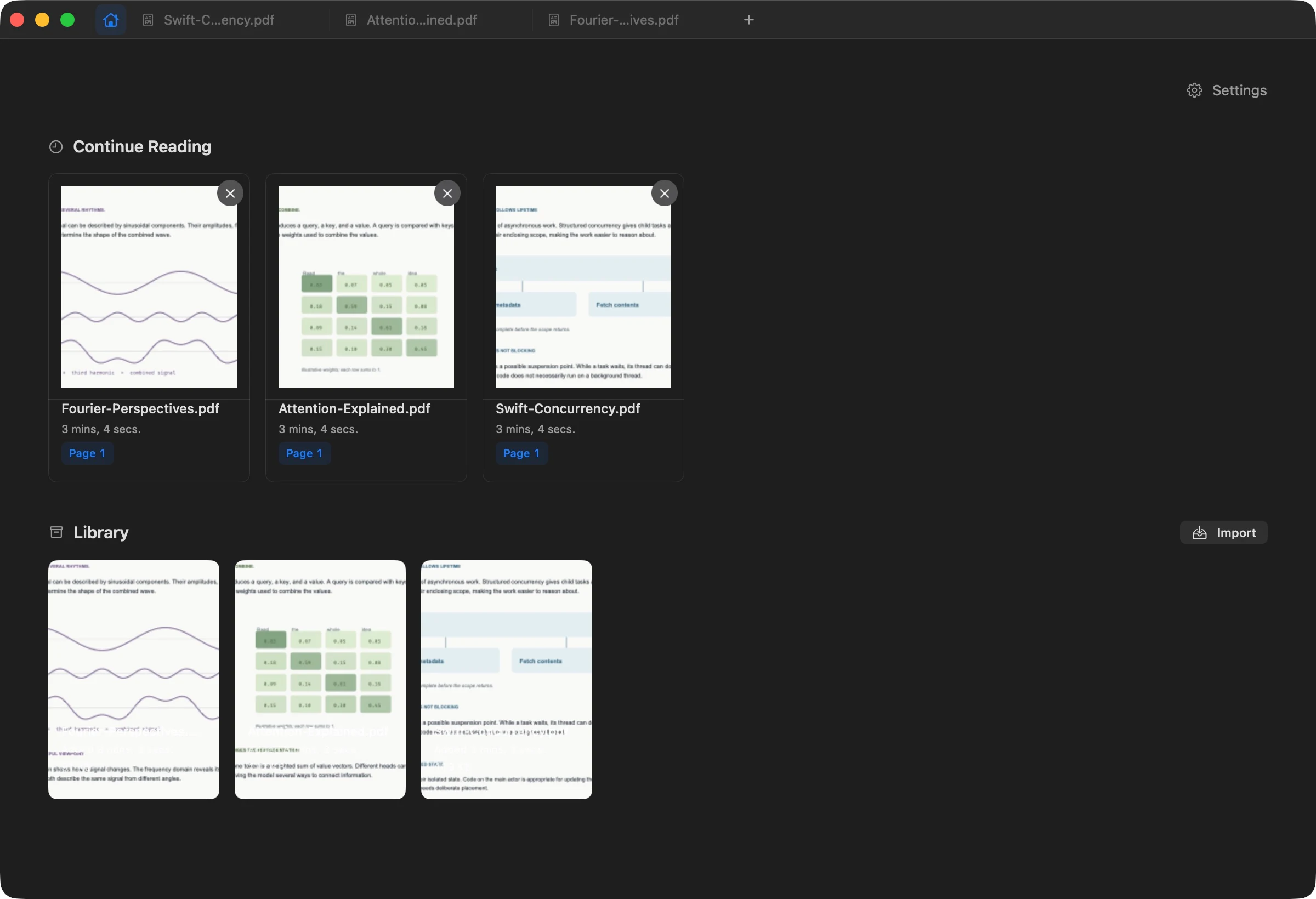
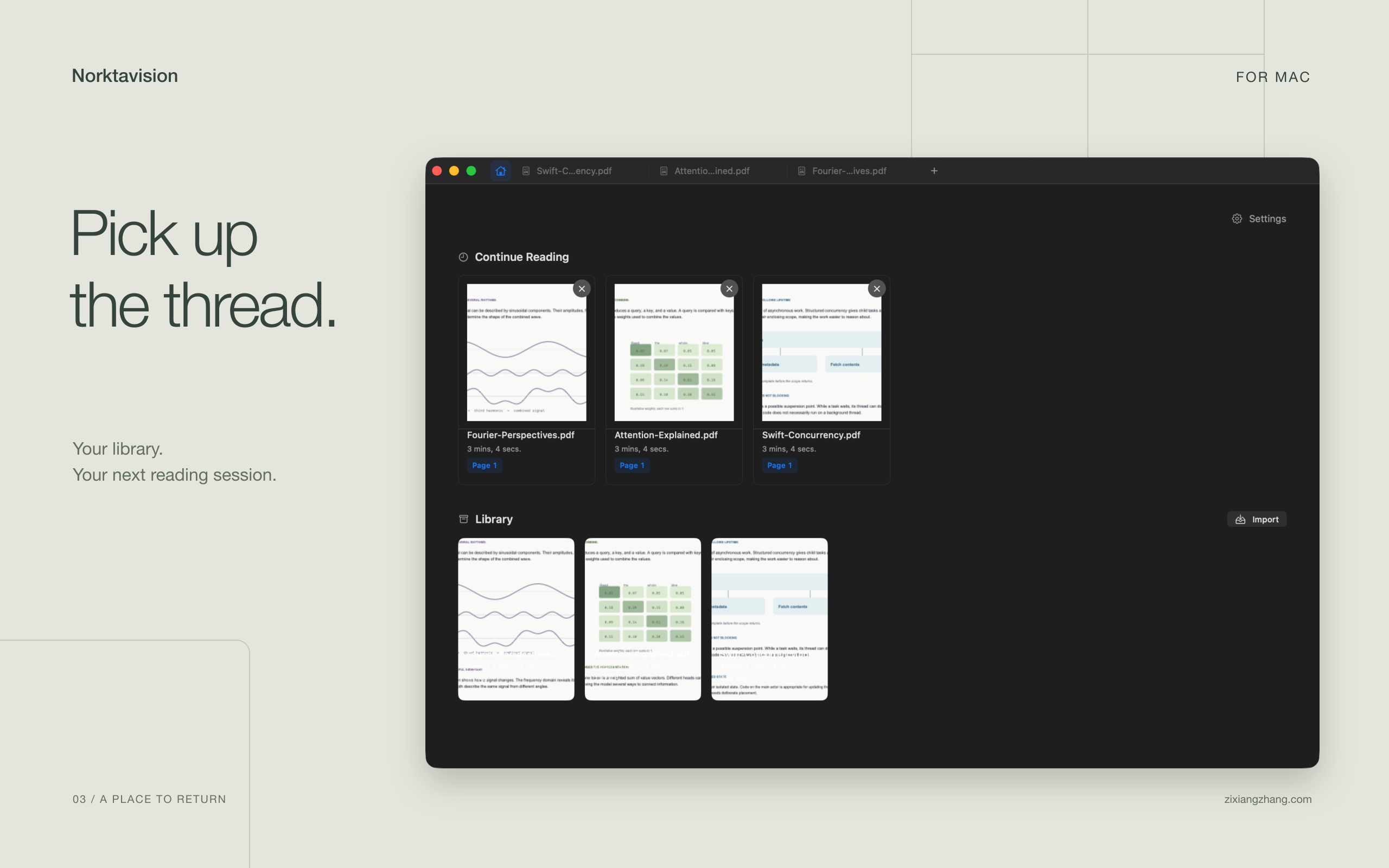
A place to return
Pick up
the thread.
Continue Reading brings you back to where you left off. Import PDFs into Library to keep app-owned copies, or open a document directly from where it already lives.
- Reading positions remembered
- Recent items you can dismiss individually
- Local PDF copies, with originals left untouched
At home on your Mac.
Native
A workspace, not a browser tab.
Tabs, keyboard commands, resizable panes, and multiple windows. Built with native Apple document viewers.
Flexible
Beyond the PDF.
Read local HTML too, including self-contained Quarto, R Markdown, and Jupyter exports, alongside your PDFs.
Local
No reader account needed.
Your library and reading history are stored on your Mac. Norktavision doesn’t require a cloud workspace.
A closer look
Norktavision, in pictures.
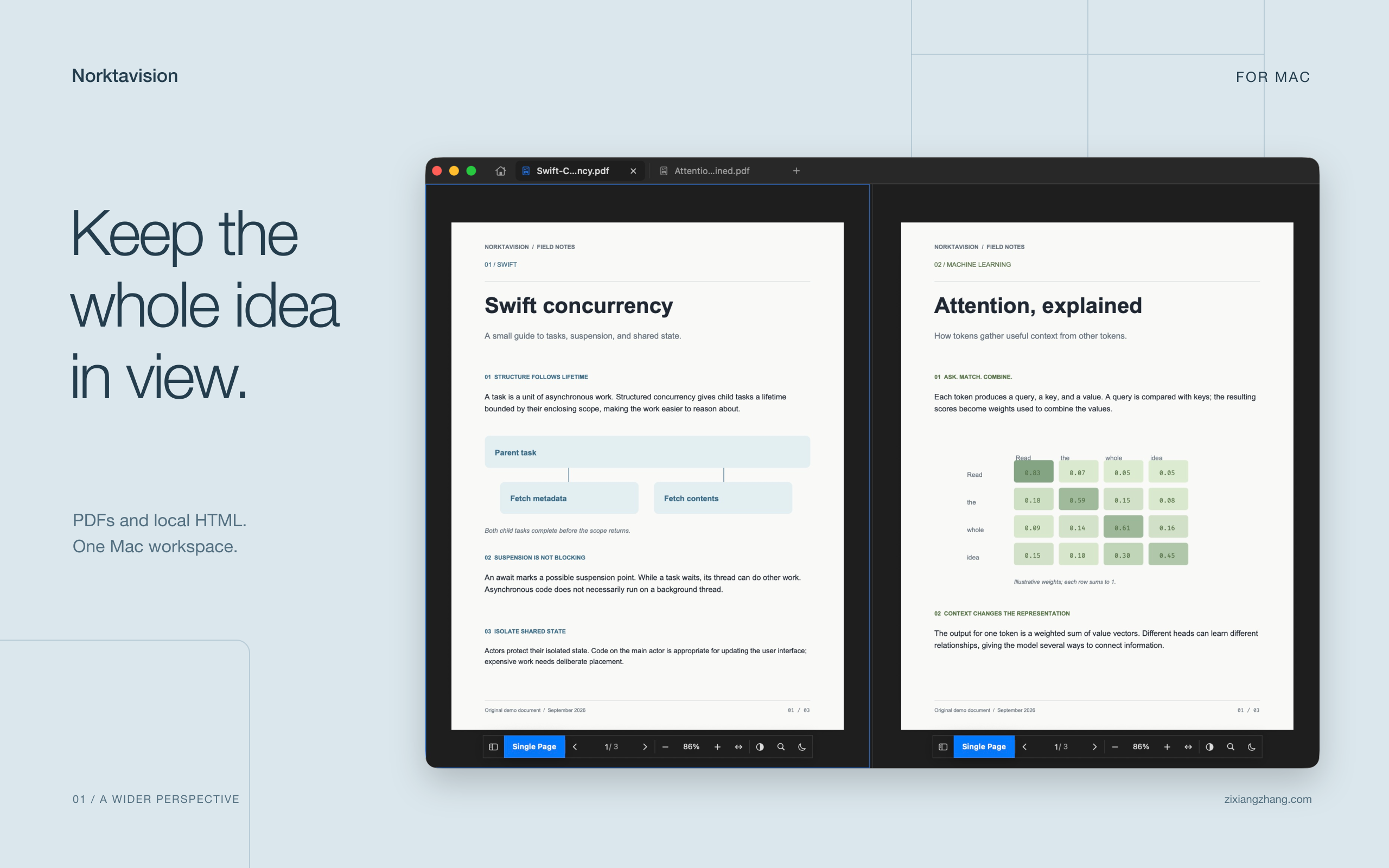
The documents in these images are original examples. Explore them: Swift concurrency, attention, and Fourier analysis.
Norktavision for Mac
Make room
for the next idea.
Mac App Store Soon
Requires macOS 26 or later.
What can I open?
PDF files and local HTML, HTM, or XHTML documents. Library import currently stores PDF copies; HTML opens from its existing location.
Can I read several documents together?
Yes. Each tab holds one to four documents in one of eight layouts. Every pane has its own document, reading position, zoom, and navigator.
Where can I get help?
Email kircerta@gmail.com. Include your macOS version and a description of what happened.