Skip to tools
Norkta

Invert.
Merge.
Extract.

PDF tools for
Mac and iPhone.

Invert colors, merge files, compress documents, and extract text.

Get Norkta
Device

01 / Invert

Read PDFs in darker colors.
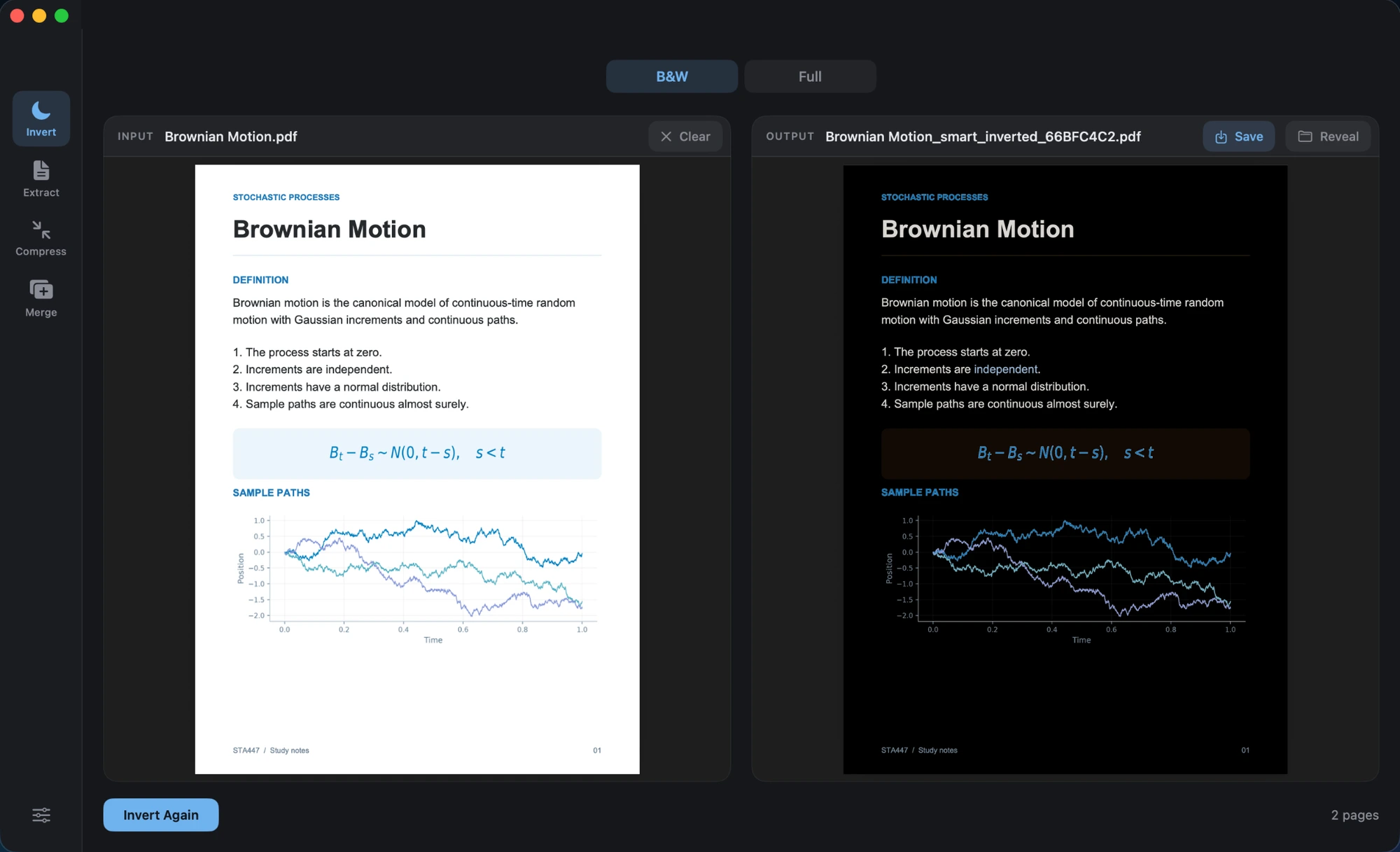
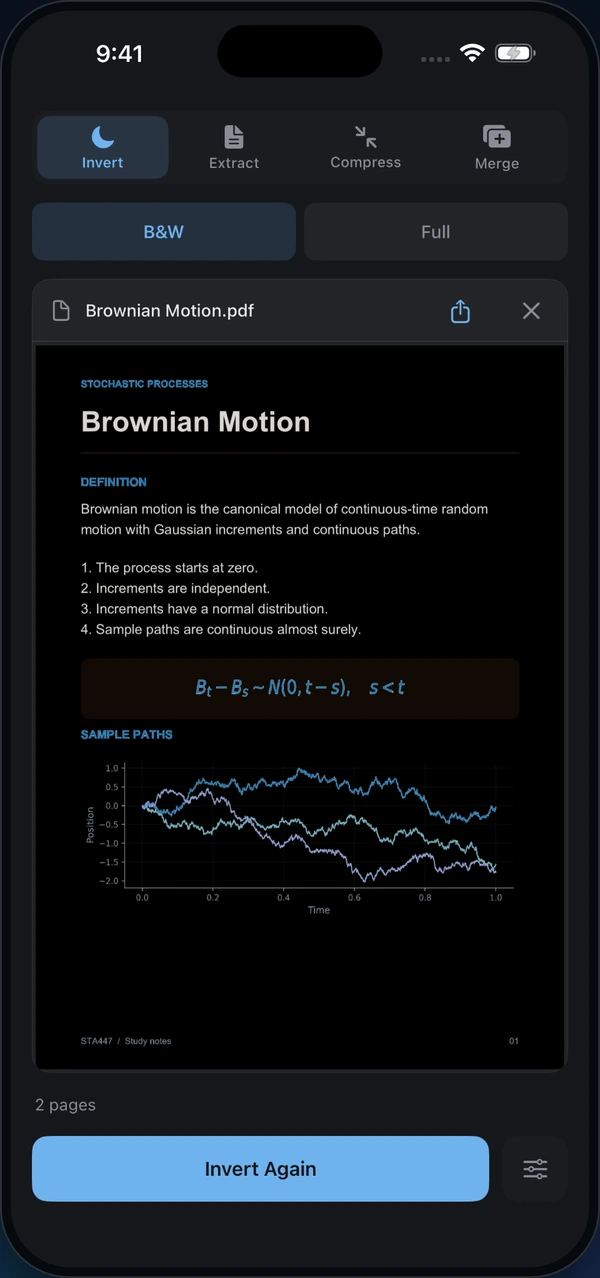
Norkta on Mac: the original Brownian Motion PDF beside its dark version, with blue formulas and colored graphs preserved. Norkta on iPhone showing the inverted Brownian Motion PDF in B&W mode.
View full size View full size

02 / Merge

Bring your PDFs together.
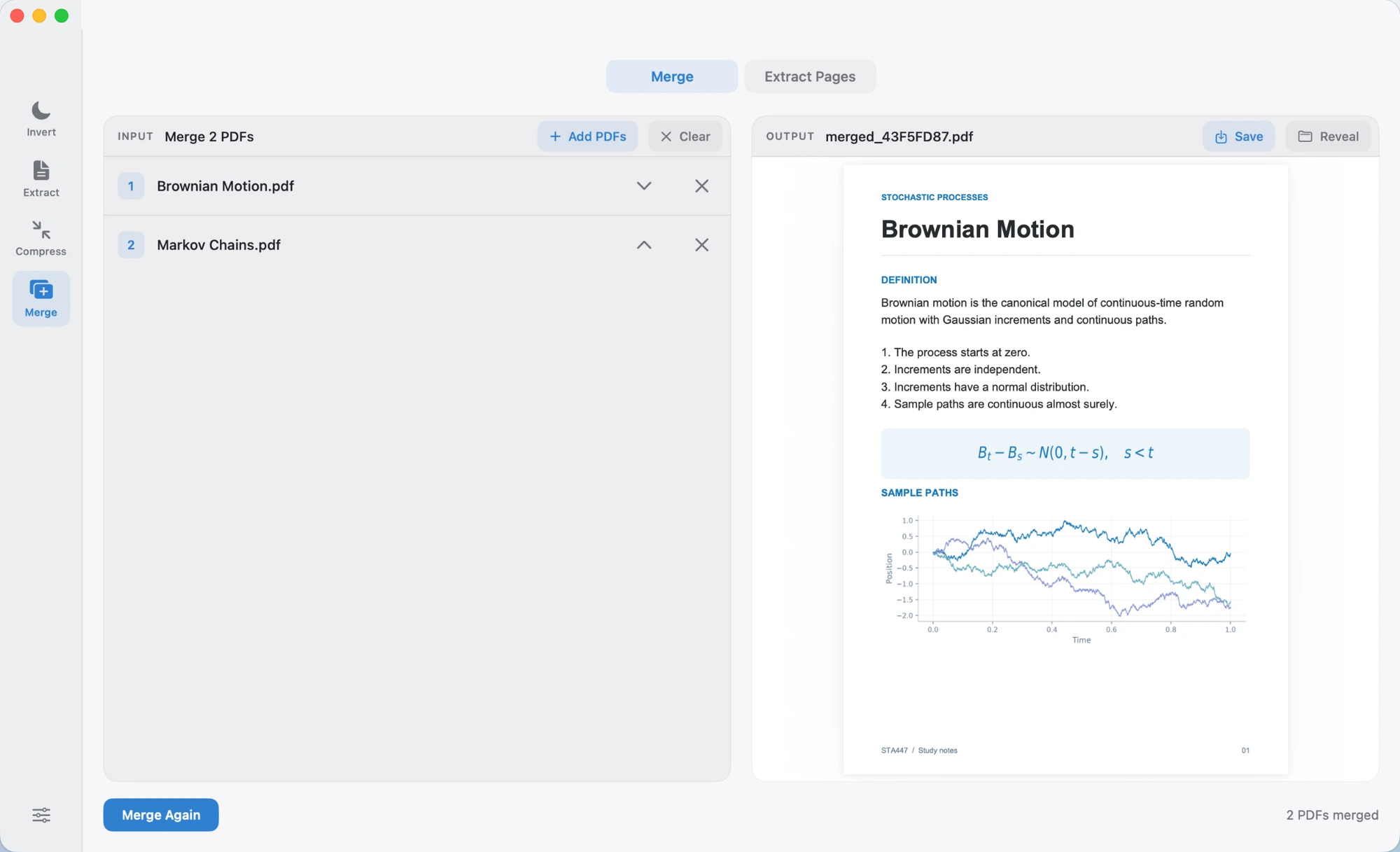
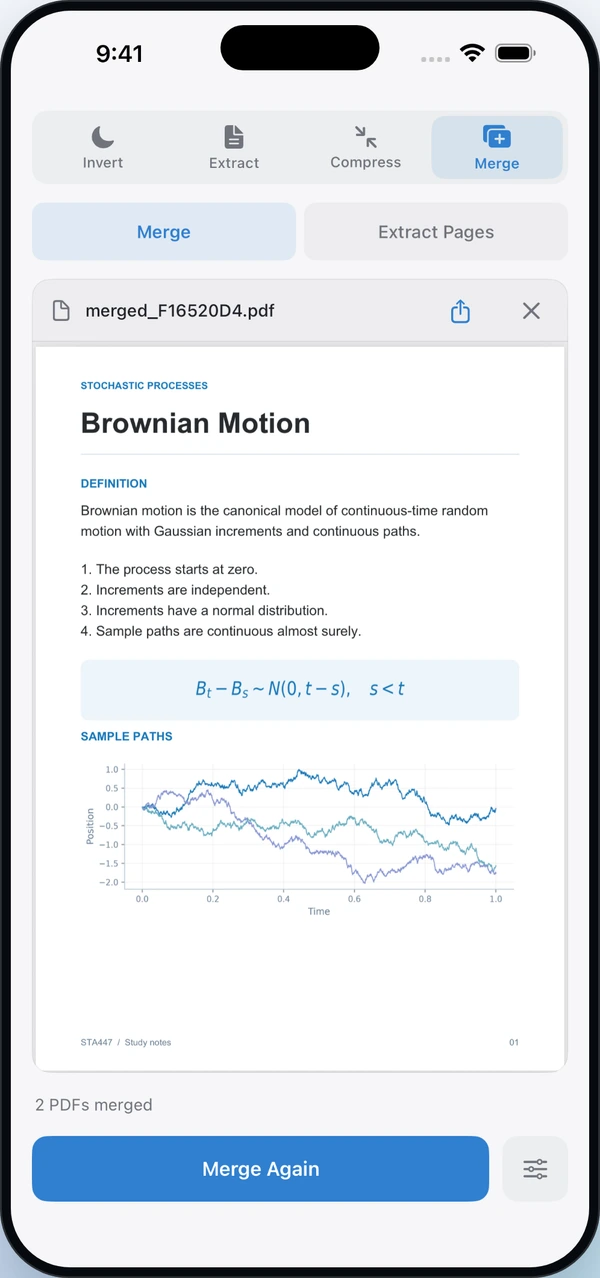
Norkta on Mac: Brownian Motion and Markov Chains in the input list, with their merged PDF on the right. Norkta on iPhone previewing the combined PDF with the result 2 PDFs merged.
View full size View full size

03 / Compress

Make large PDFs smaller.
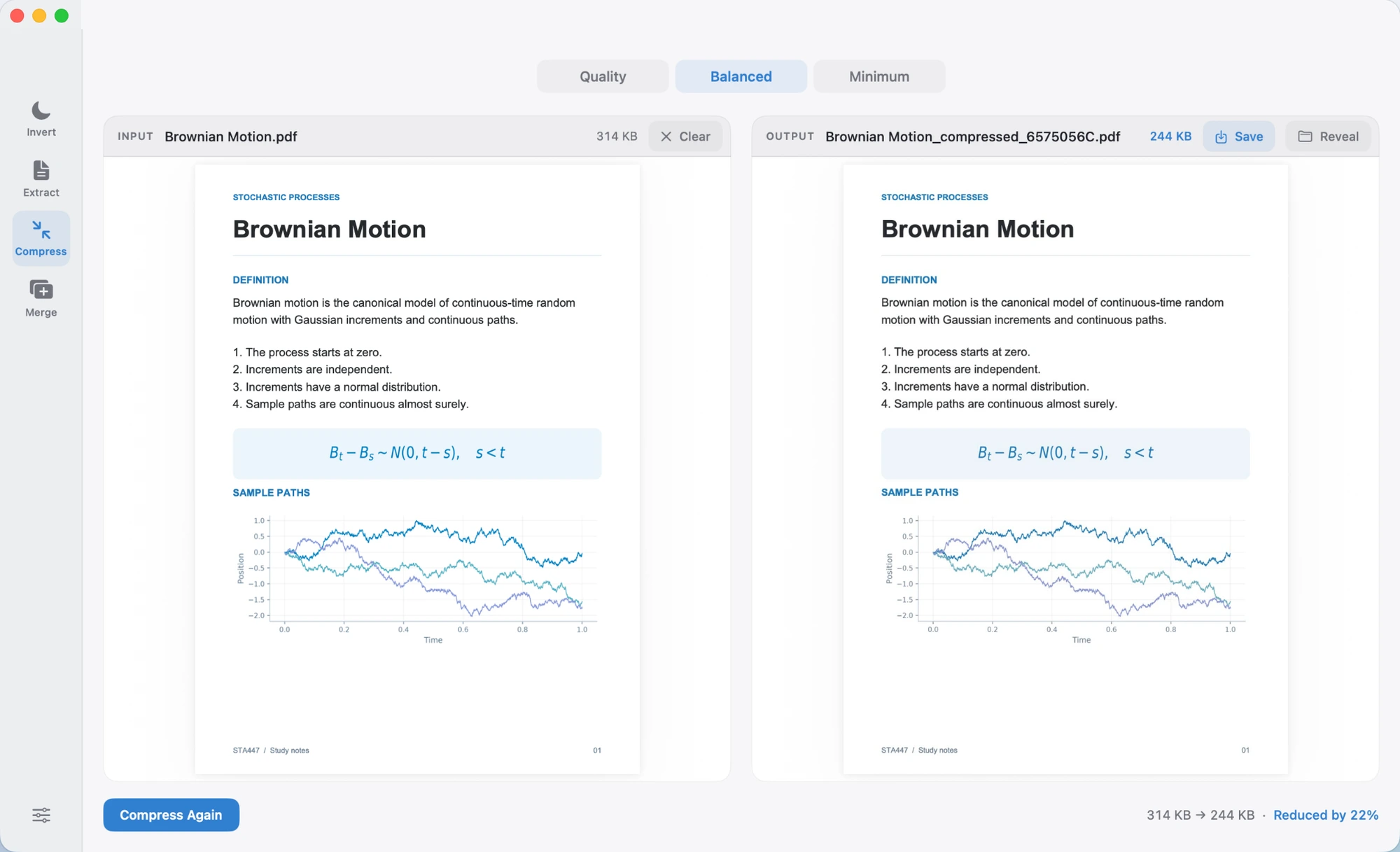
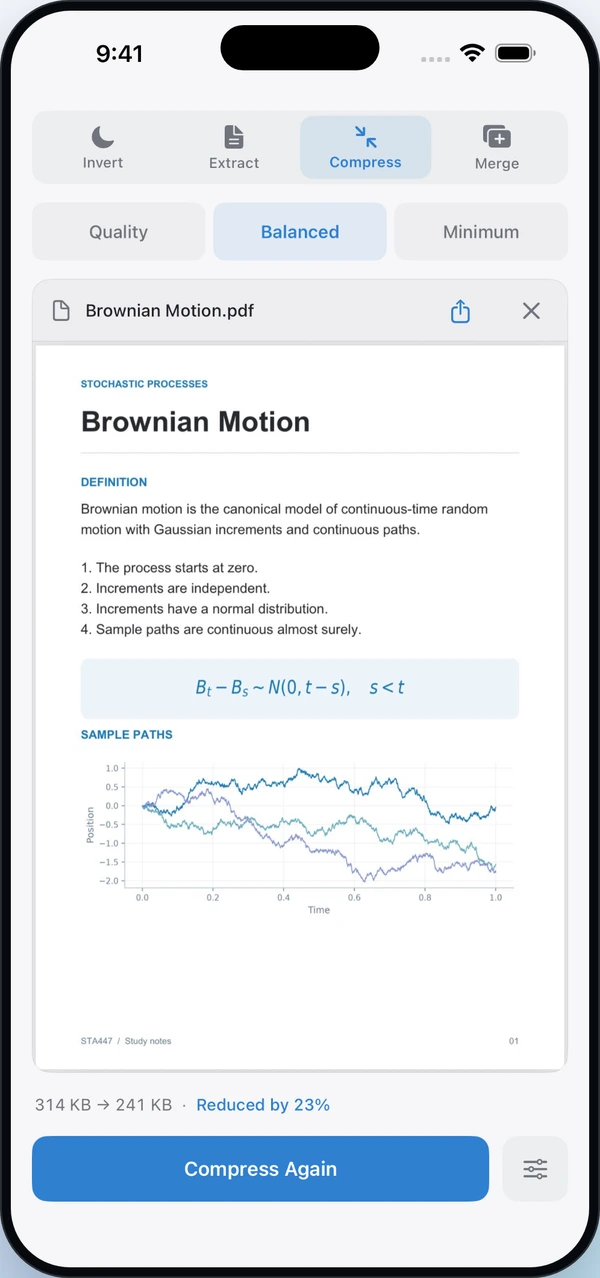
Norkta on Mac comparing the original and compressed PDF. This sample goes from 314 KB to 244 KB, a 22 percent reduction. Norkta on iPhone with Balanced compression selected. This sample goes from 314 KB to 241 KB, a 23 percent reduction.
View full size View full size

04 / Extract

Copy text from the page.
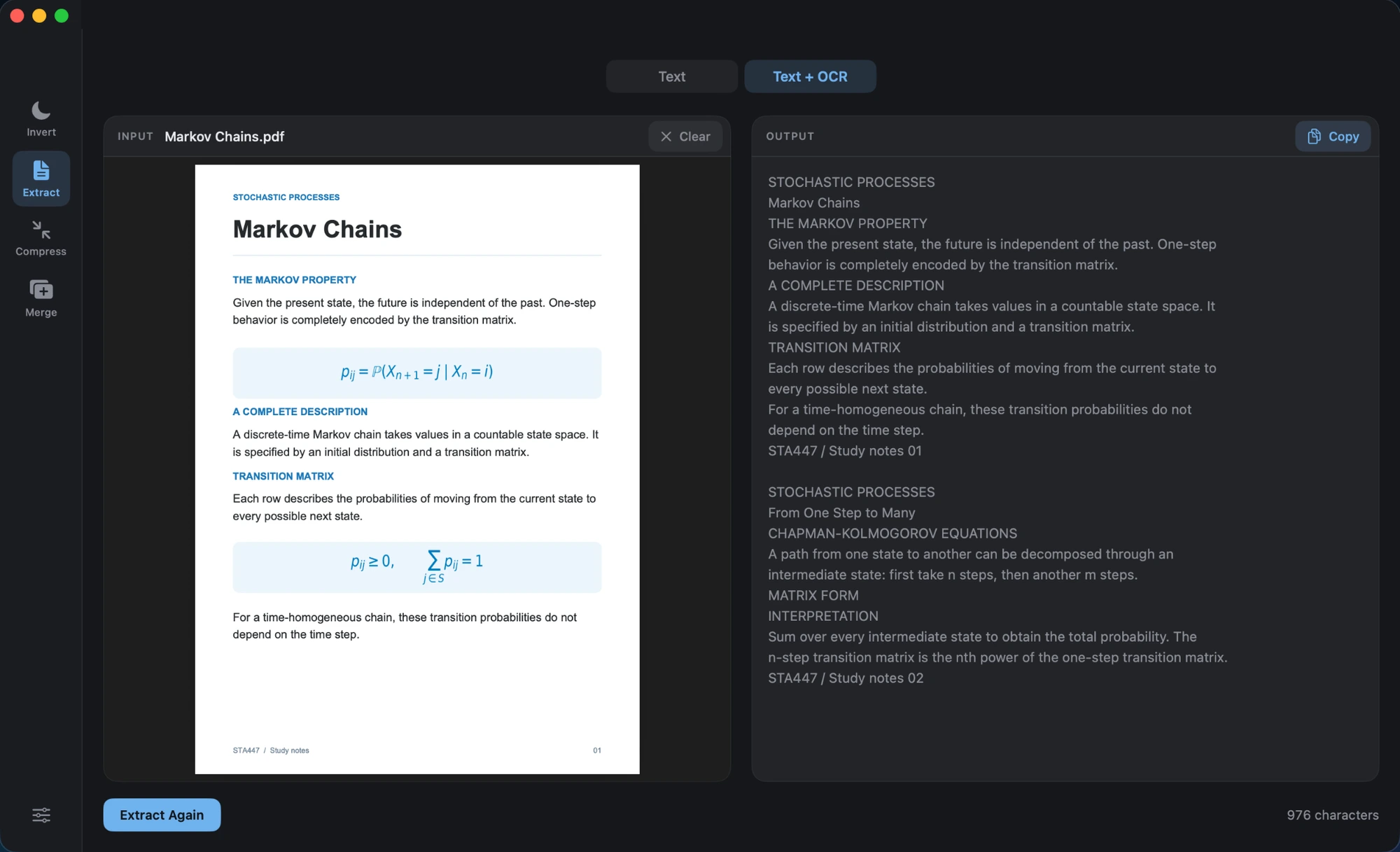
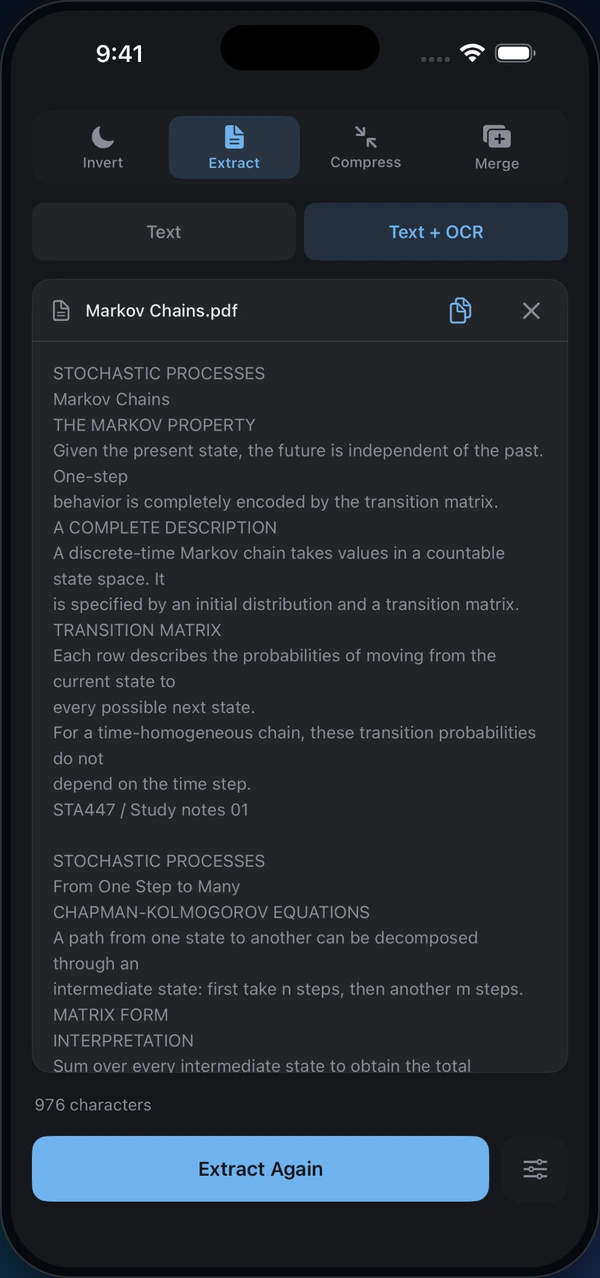
Norkta on Mac showing the Markov Chains PDF beside its extracted text and Copy button. Norkta on iPhone showing 976 characters extracted from Markov Chains, ready to copy.
View full size View full size

Your documents stay on your device.

How Norkta handles your files