 Lyncemit
From today, toward everything ahead.
Lyncemit is a quiet companion between the present and the future. Give it the dates that matter — a flight home, a graduation, the first day of something new — and it counts the days that remain, keeps them in order and walks with you toward each one. Whatever waits on your event horizon, you will see it coming.
Everything ahead,
in order.
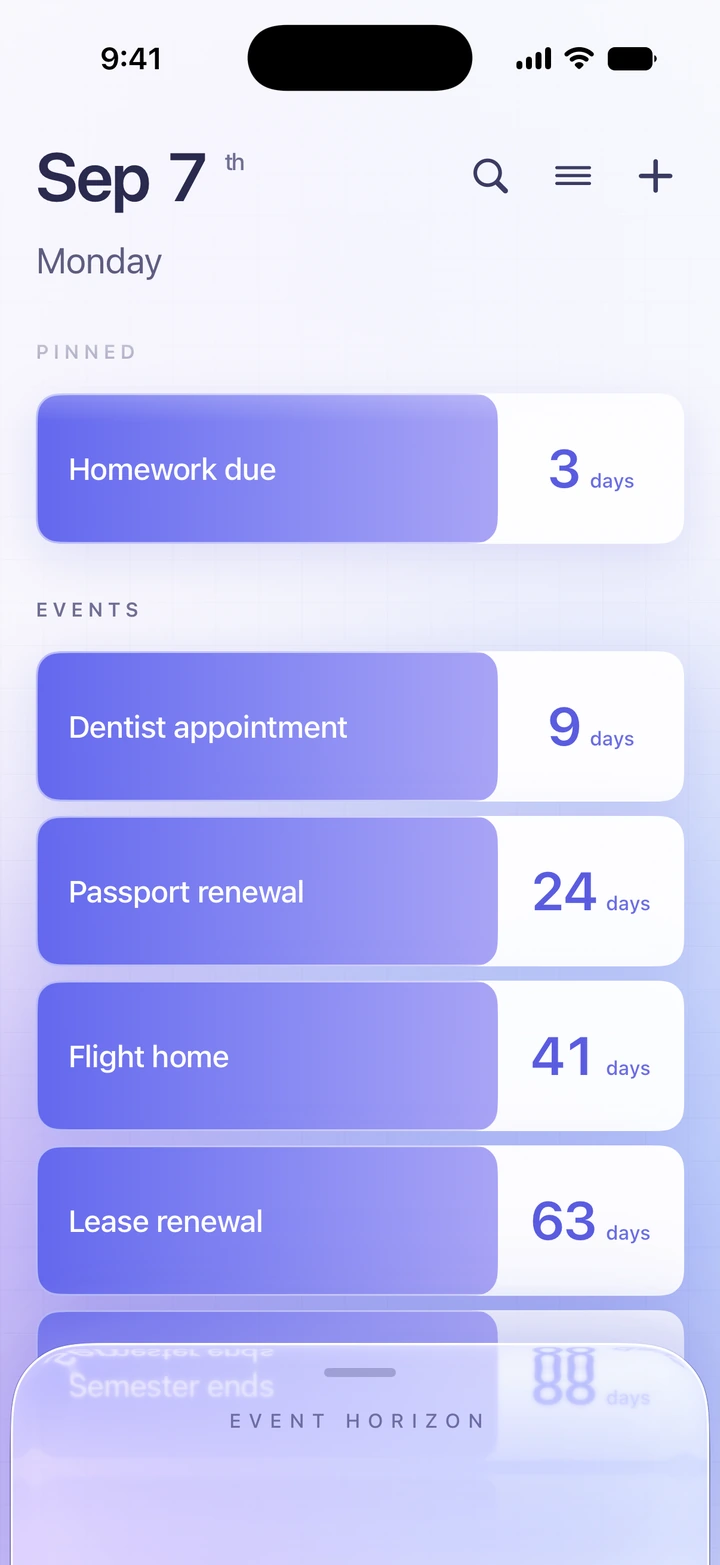
Your dates, counted in whole days. Pin the ones that matter most and sort the rest by soonest, newest or name. Nothing to decode, and nothing you need to keep in your head.
- Pinned dates first
- Search titles, remarks and details
- Past dates move to the archive and keep counting
Your whole timeline,
in one view.
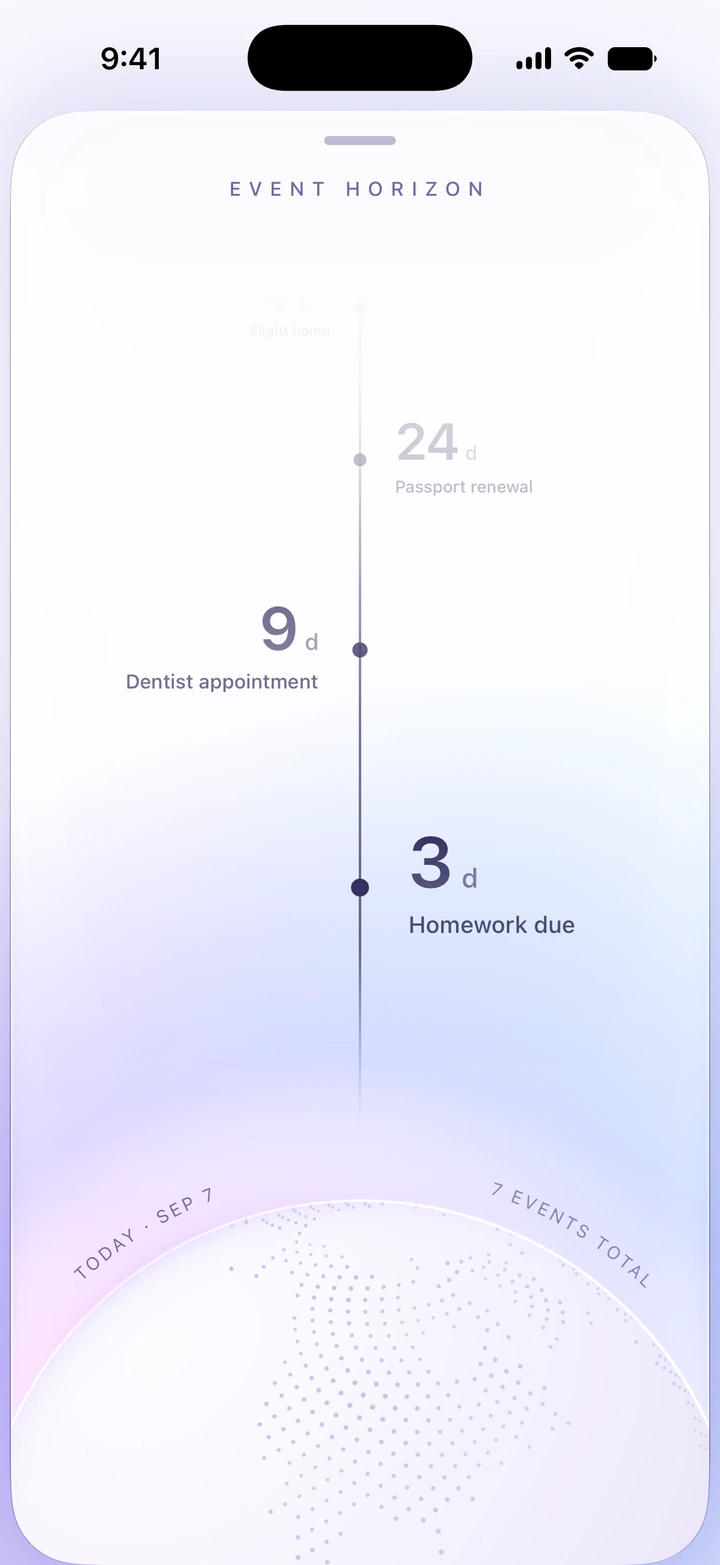
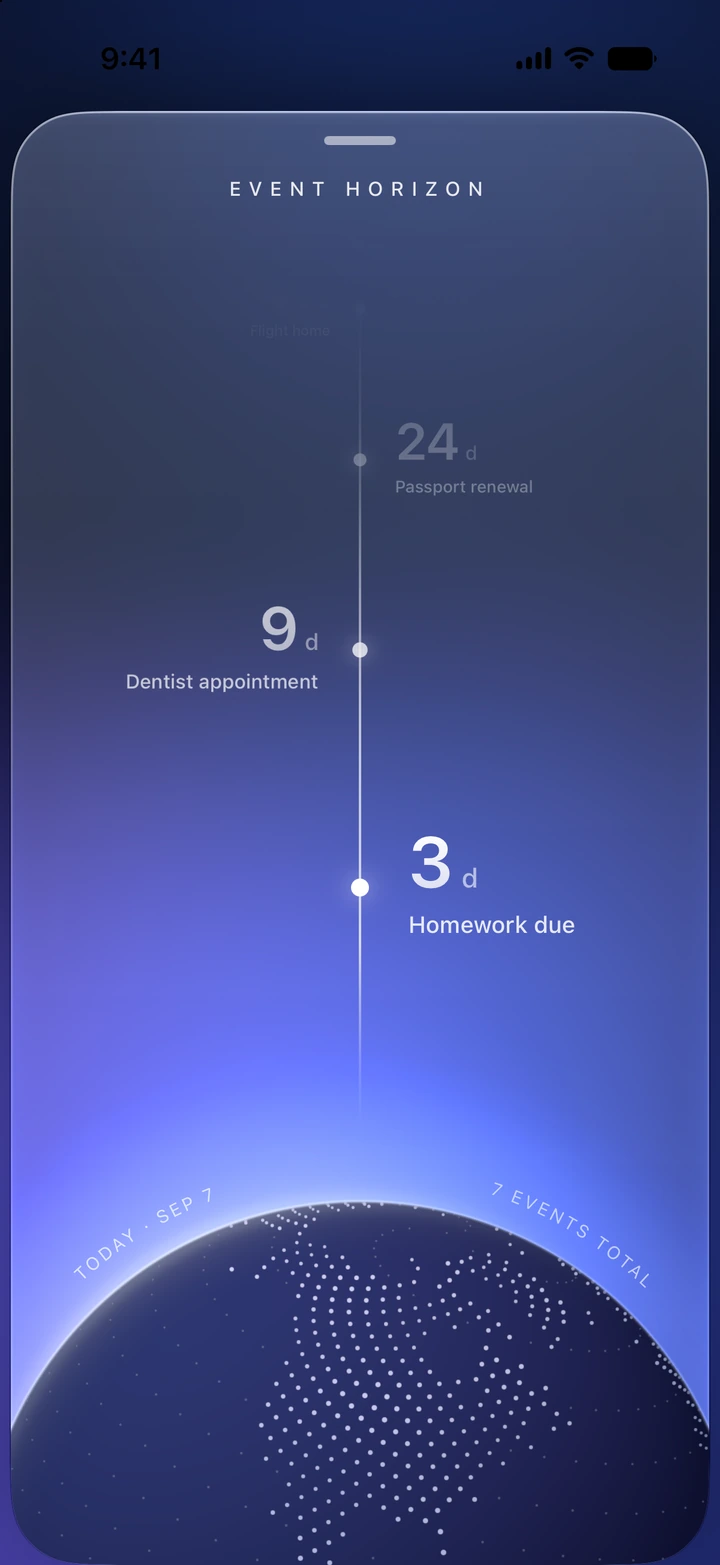
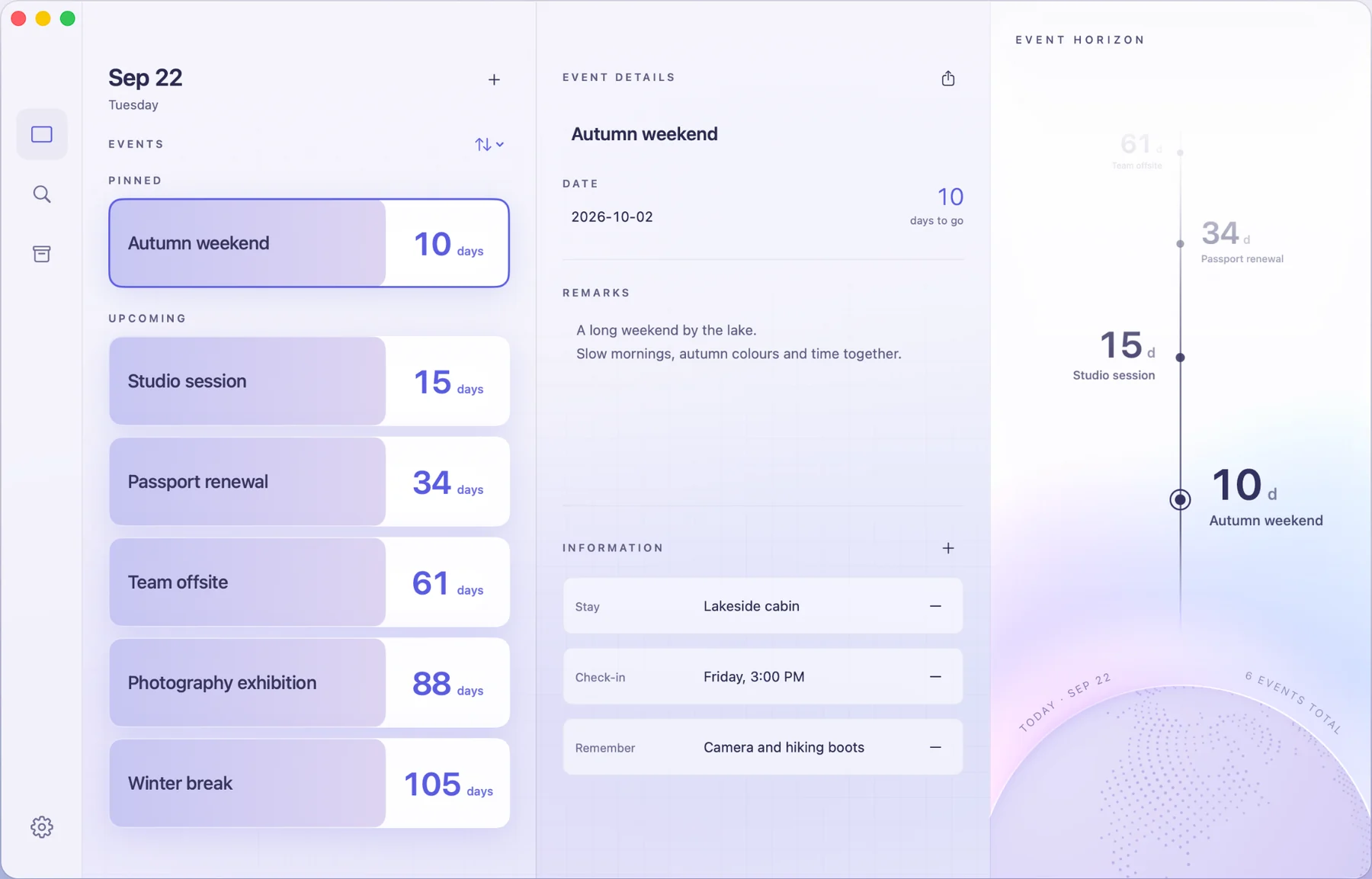
Slide up from the bottom of Home and time opens out. The nearest date rests just above the Earth; the future rises beyond it, each date smaller and fainter the farther away it lies.
Unfold it, and
everything fits.
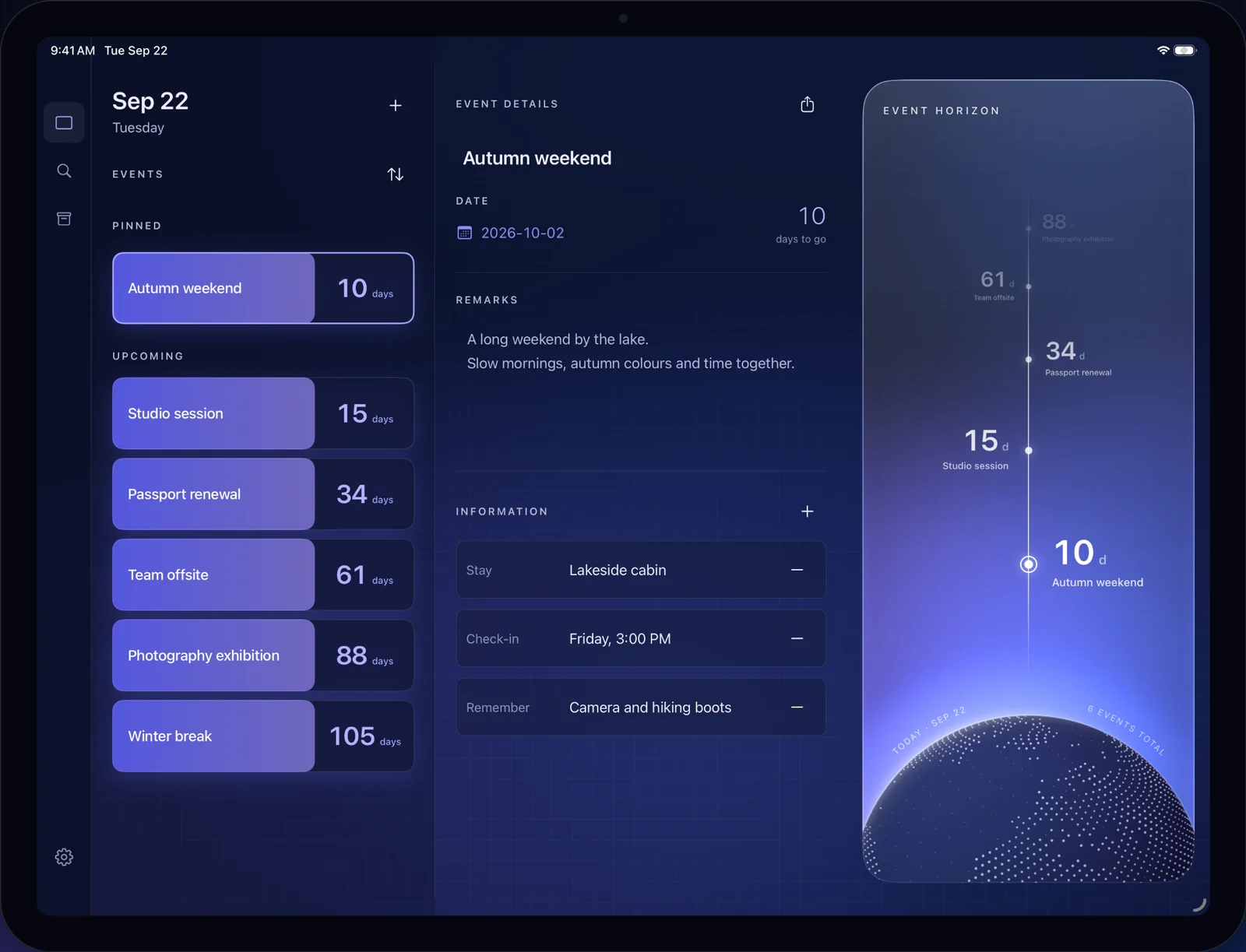
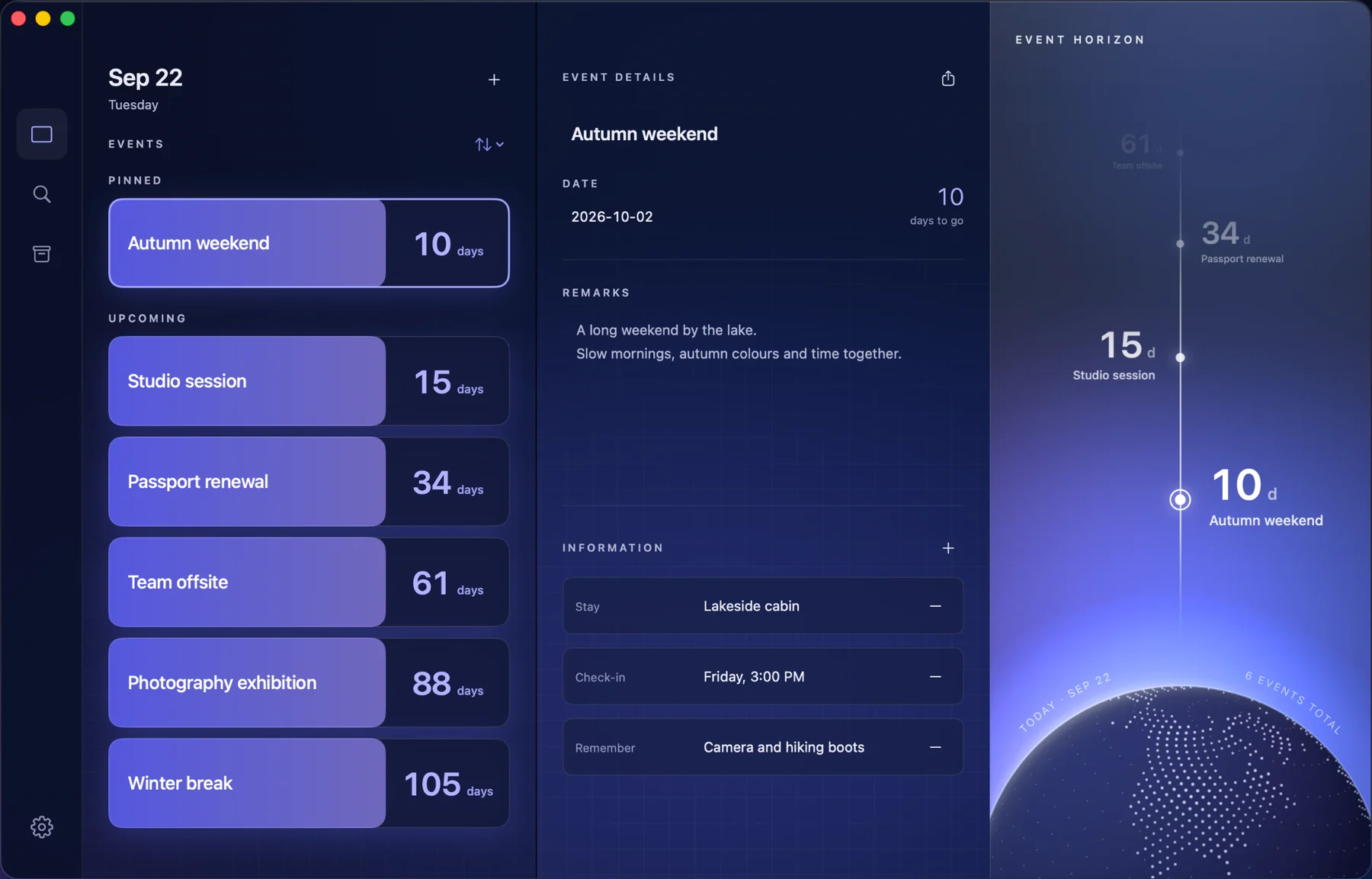
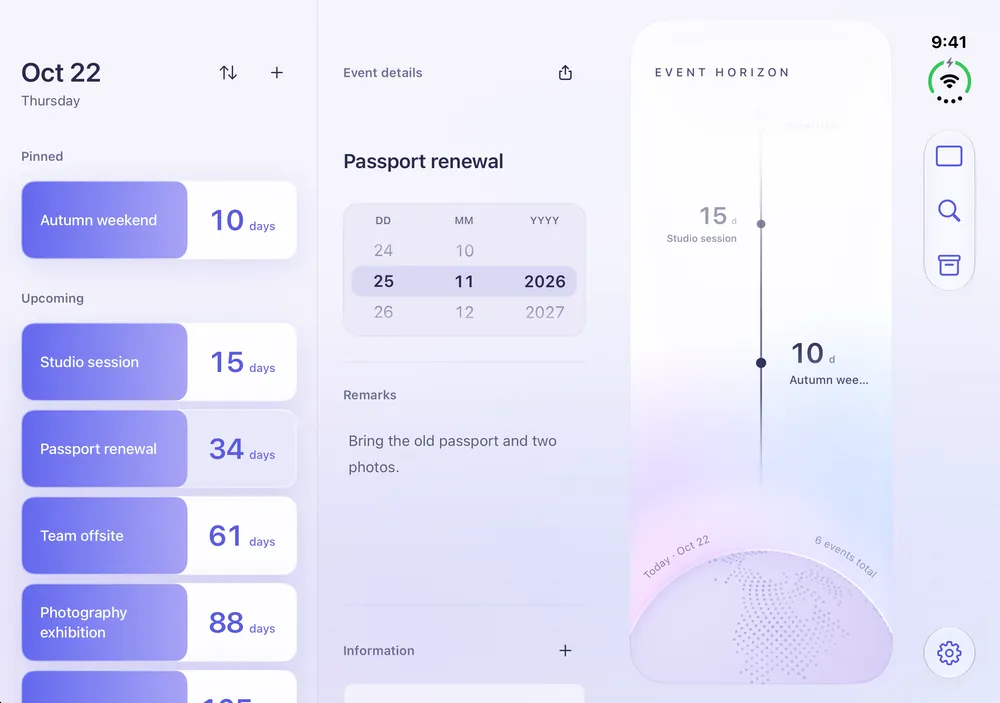
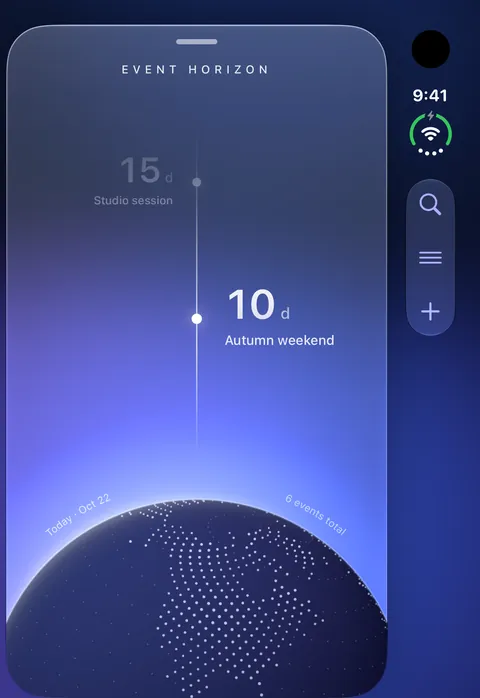
On iPhone Duo, the unfolded screen sets the list, an event's details and Event Horizon side by side. Folded, the outer screen keeps the Horizon, with its controls in the bar beside it.
Everything that
belongs to the day.
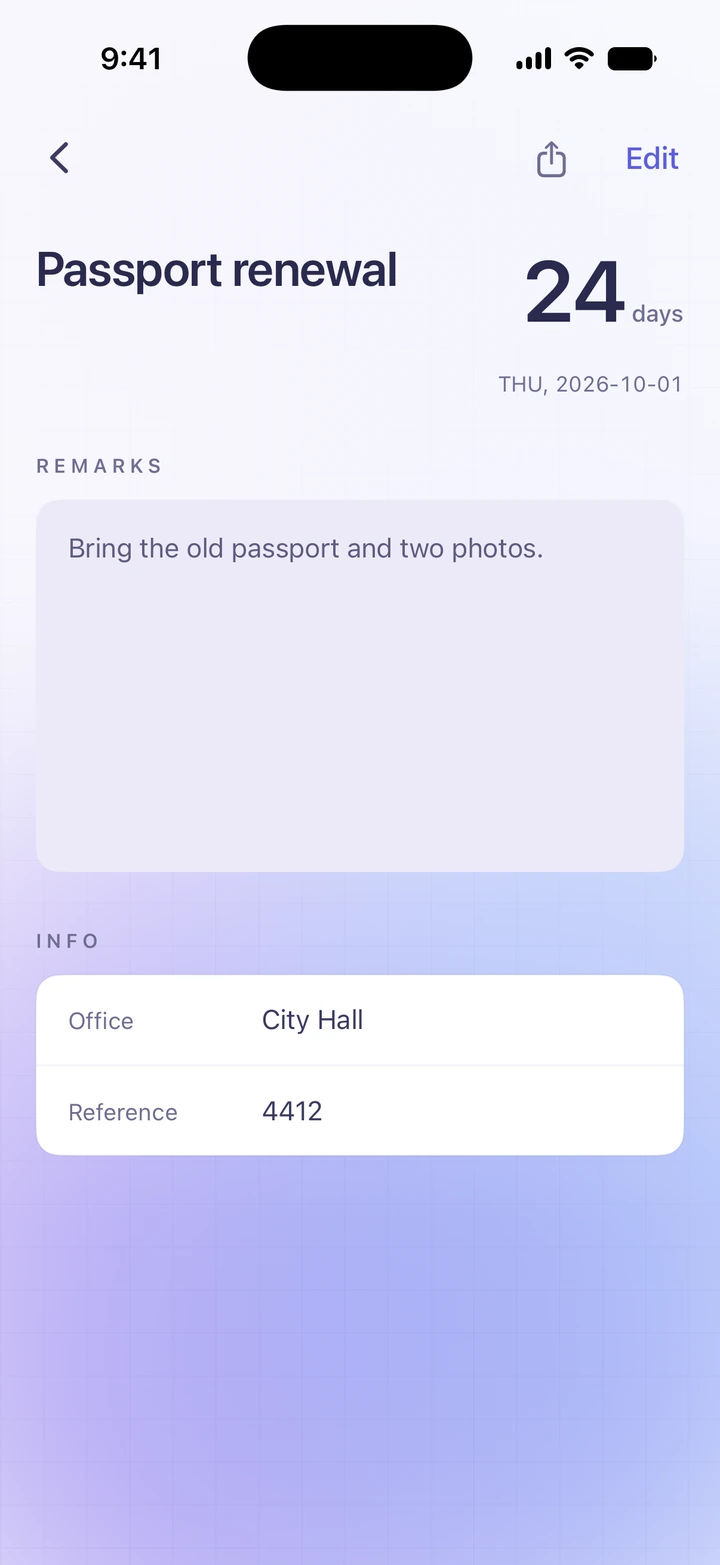
Remarks and your own fields — the booking reference, the check-in time, the thing you promised to bring — stay with the date they belong to.
The next date,
already with you.
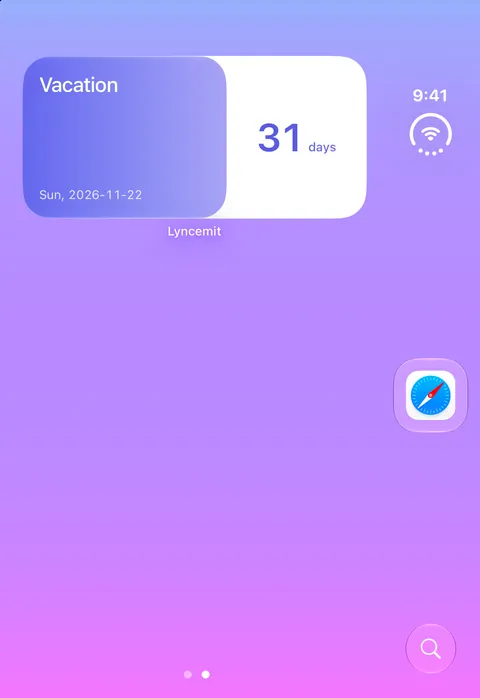
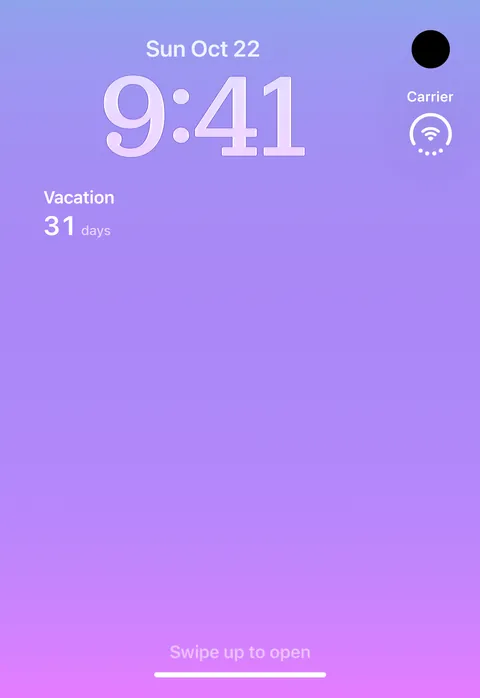
Widgets bring your countdowns to the Home Screen, the Lock Screen and the desktop. A glance is enough to know how far away it is.
iPhone. iPhone Duo.
iPad. Mac.
One library on every device with iCloud, or on this one only. Sync is a single switch, and when it is off, nothing leaves your device.